Linux Commands
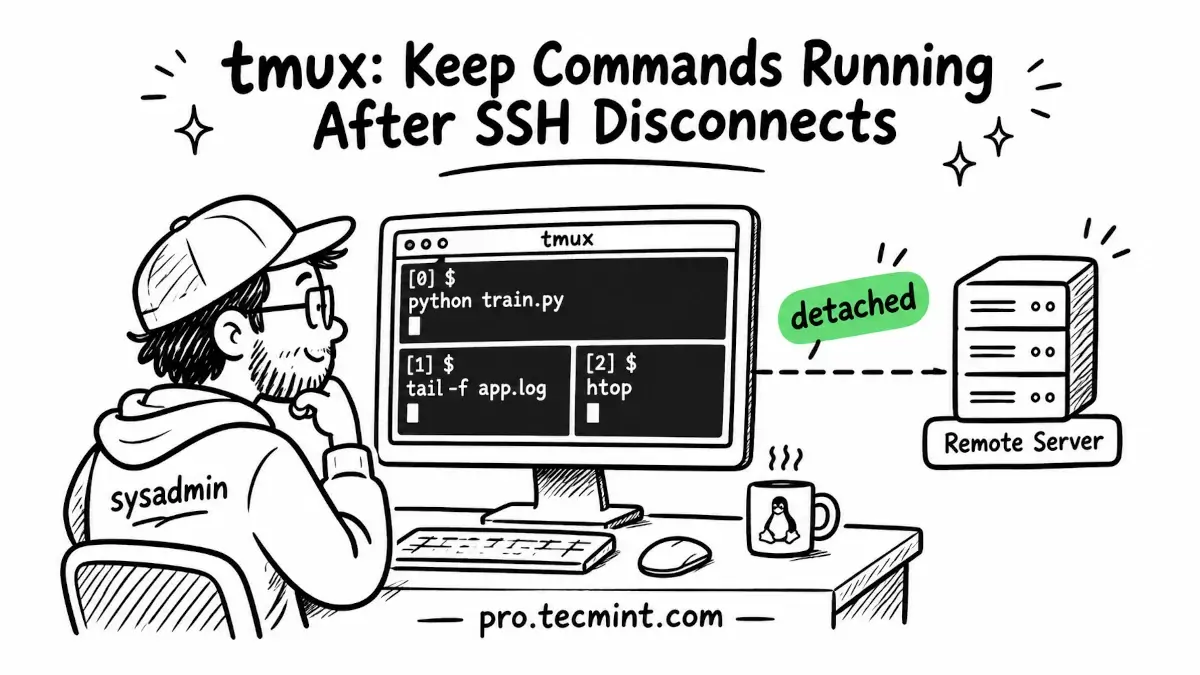
Keep Linux jobs running over SSH with tmux
4 tmux Commands to Keep Remote Linux Jobs Running
Learn 4 essential tmux commands to split panes, create sessions, detach safely, and reattach after SSH disconnects on Linux.
A dropped SSH connection can stop a backup, package upgrade, or other long-running command halfway through.
Opening more terminal windows does not solve the problem, because each shell is still tied to its own SSH connection.
With tmux, we can keep those jobs running, split the terminal into panes, detach safely, and return to the same session later.
How tmux Keeps Linux Jobs Running After SSH Disconnects
Updated on Nov 25, 2026