5 Linux Terminal Tools Every Beginner Should Install
In this article, install fzf, zoxide, tldr, ncdu, and HTTPie on Ubuntu or Fedora and try each one with simple, safe examples in a practice folder.
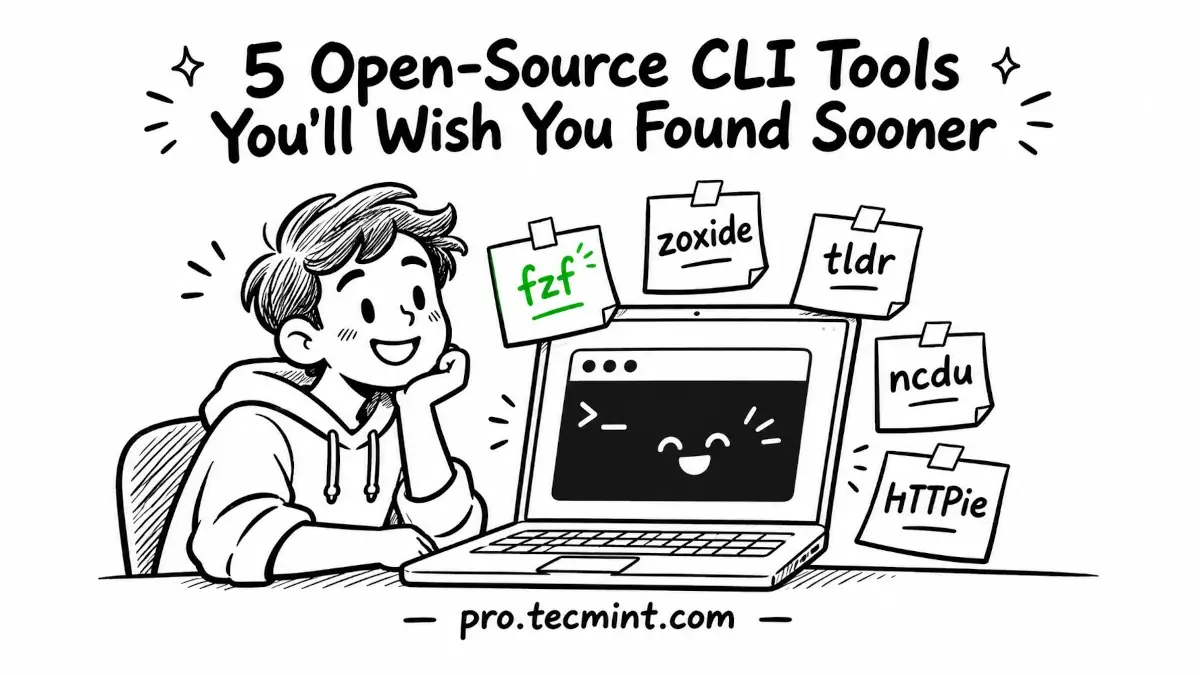
When you're new to Linux, working in the terminal can sometimes feel harder than it needs to be. You have to remember exact filenames, long directory paths, command options, and the correct syntax for tools you may have used only once or twice.
Fortunately, you can install a few small utilities that make everyday terminal work much easier.
In this guide, we'll look at five useful Linux terminal tools:
fzfhelps you find files and command history using fuzzy search.zoxidelets you jump to frequently used directories without typing complete paths.tldrgives you short, practical command examples.ncduhelps you find files and directories using the most disk space.- HTTPie makes it easier to send HTTP requests and work with web APIs from the terminal.
We'll also create a small practice directory so you can try each tool without touching anything important on your system.
Install fzf, zoxide, tldr, ncdu, and HTTPie on Linux
Updated on Nov 3, 2026