5 Tiny Linux Terminal Tools That Save Time Every Day
In this article, you'll learn how to install lazygit, fx, entr, chafa, and duf on Linux to manage Git, browse JSON, rerun commands when files change, view images, and check disk usage.
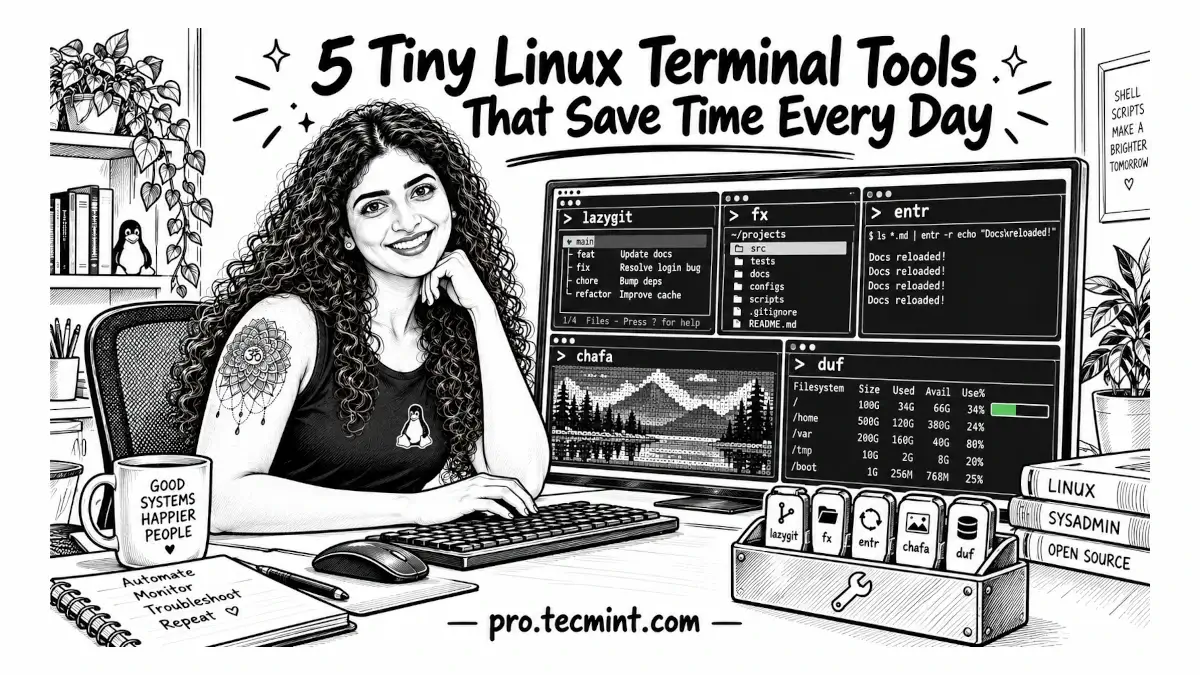
Small terminal tasks can take more time than they should. You may only want to stage part of a Git change, inspect a large JSON response, rerun a command when a file changes, preview an image in the terminal, or quickly see which filesystem is running out of space.
Linux already provides tools for all of these jobs, but many of them are designed more for scripting than for interactive use.
For example, you might find yourself repeatedly running git add -p and answering the same prompts, piping an API response through jq several times because you cannot remember the exact field name, or using df -h and scanning past a long list of loop devices before finding the filesystem you actually care about.
This is where tools such as lazygit, fx, entr, chafa, and duf can make everyday terminal work easier.
In the following sections, we will look at how these five terminal tools simplify Git work, JSON exploration, file watching, image previews, and disk space monitoring.