OpenWA: Send Linux Server Alerts to WhatsApp with a Free Self-Hosted API
In this article, deploy OpenWA with Docker Compose on Linux to send server alerts to WhatsApp from scripts and cron, and receive replies through webhooks.
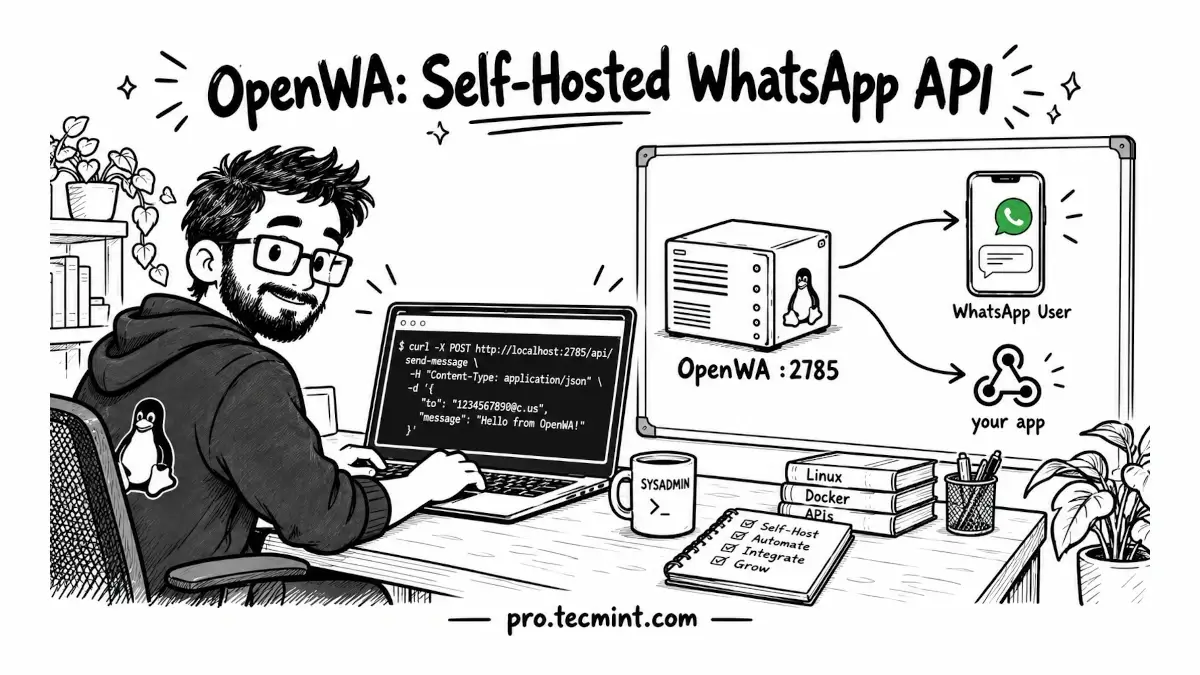
Paying a WhatsApp API provider just to send server alerts becomes expensive as your scripts send more messages. Here's how to self-host OpenWA on Linux with Docker Compose, link a number, and send messages and webhooks through its REST API.
Imagine a backup job fails at 2 AM on one of your servers, and the alert email lands in a mailbox nobody checks until morning, because email is where every other notification goes too.
Most of us read WhatsApp within minutes, so sending critical alerts there would get them noticed, but the usual options are either a paid third-party gateway that charges per message or Meta's official Cloud API, which needs a verified business account and approved message templates before you can send anything.
OpenWA is a good fit for personal projects and internal tooling, because it is a free, MIT-licensed, self-hosted WhatsApp API gateway that runs on your own server.
OpenWA connects to your WhatsApp account in the same way WhatsApp Web does, as a linked device, which is a second client that shares your account after you scan a QR code with your phone.
It manages that connection through one of two open-source engines, whatsapp-web.js or Baileys, and adds a REST API, a web dashboard, and a webhook dispatcher on top of them.
For that reason, we will use a dedicated number throughout this guide, and you should avoid linking your personal or primary business number.
How OpenWA Works
Before installing anything, it helps to see how a request travels through OpenWA, because most of the setup decisions later in this guide (which engine to run, which port to expose, and why webhooks to your LAN get refused at first) come straight from this design.
OpenWA is a NestJS application written in TypeScript and running on Node.js, which is a single container that listens on TCP port 2785 and serves three things from that one port:
- the REST API under
/api, - the interactive Swagger documentation under
/api/docs, and - the React web dashboard at the root URL.
Every API call must carry an API key in the X-API-Key header, and that key decides which role the caller has and which sessions it may touch.
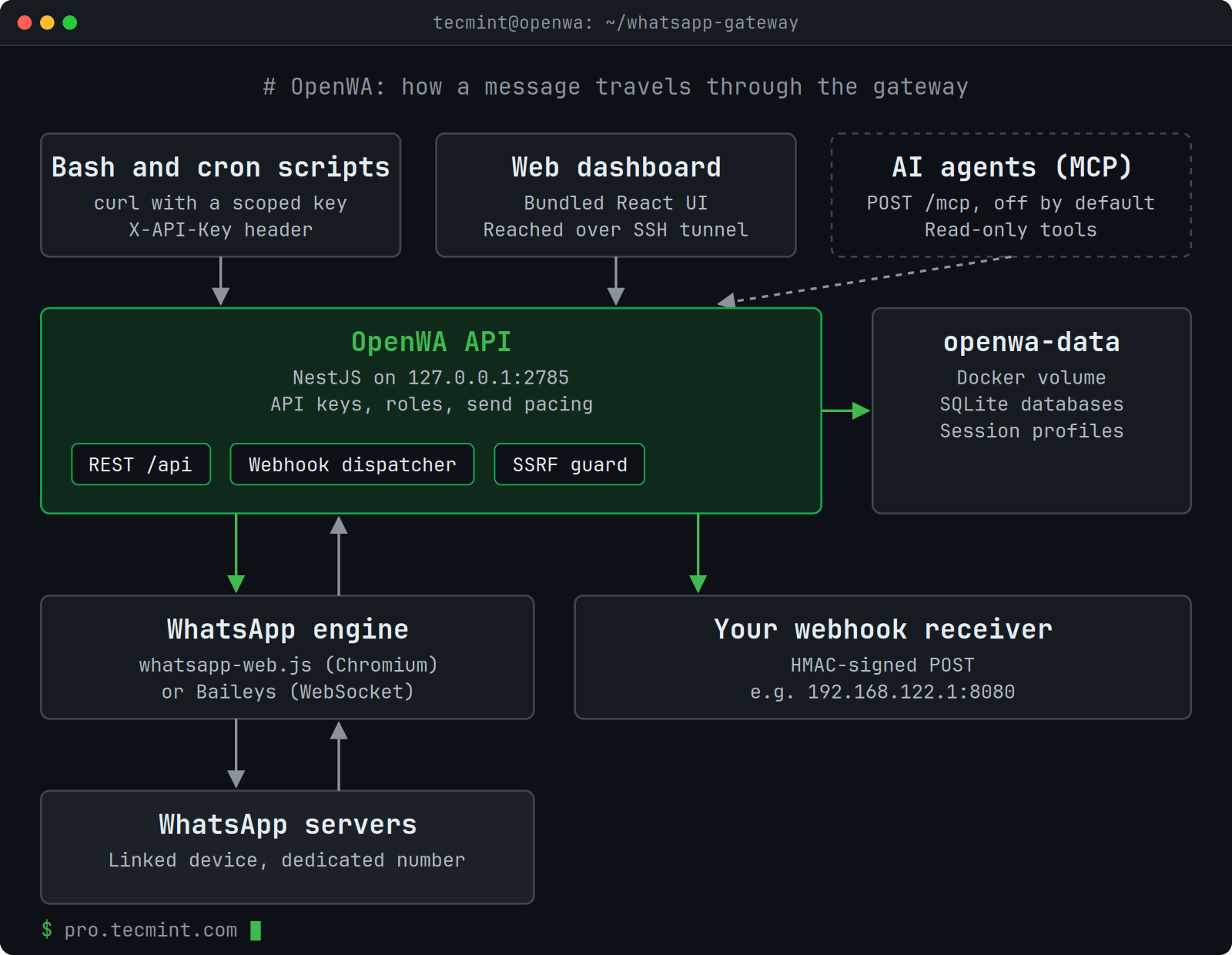
The two engines reach WhatsApp in different ways, and the choice affects both memory use and ban risk, so it's worth comparing them using the figures from the project README:
| Engine | How it connects | Ban-risk profile | RAM per session |
|---|---|---|---|
| whatsapp-web.js (default) | Drives a real headless Chromium running WhatsApp Web | Lower, since traffic looks like a normal browser | About 300 to 500 MB |
| Baileys | Speaks WhatsApp's multi-device WebSocket protocol directly | Higher, since it is easier to fingerprint | About 30 to 80 MB |
We will stay with the default whatsapp-web.js engine in this guide, because account safety matters more than memory on a single-number setup.
If you later run many sessions on a small VPS, you can switch to Baileys with the ENGINE_TYPE=baileys setting or from the dashboard's Infrastructure page.
Everything OpenWA needs to remember lives under /app/data inside the container, which the production Compose file maps to a named Docker volume called openwa-data.
That directory holds the following pieces:
/app/data/
├── main.sqlite          # API keys and audit log
├── openwa.sqlite        # sessions, messages, webhooks
├── sessions/            # linked-device profiles, one per WhatsApp session
├── media/               # local storage backend
├── plugins/             # installed OpenWA plugins
└── .api-key             # first-boot admin API key, plaintext, mode 0600