6 Open-Source Tools to Monitor Linux Servers
In this article, you'll learn how to monitor Linux servers with six open-source tools, from terminal-based tools like Glances to full monitoring platforms such as Prometheus, Zabbix, and Icinga 2.
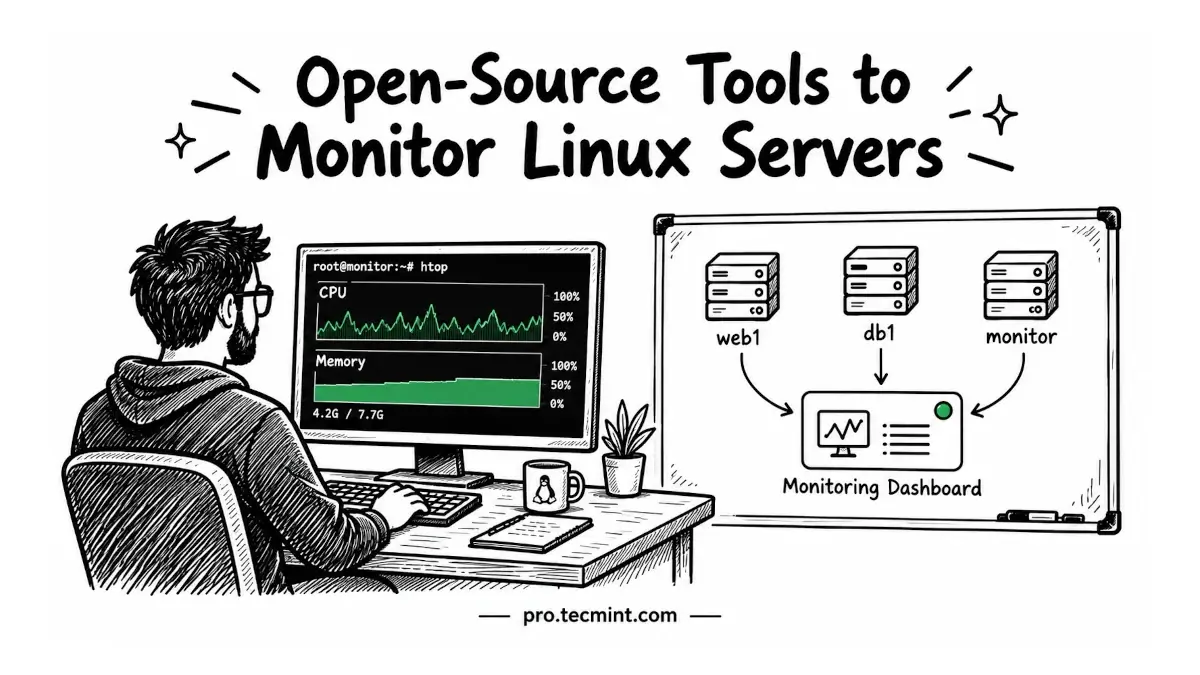
Most Linux administrators learn the importance of monitoring the hard way. A disk fills up overnight, a database stops responding, or the CPU remains at 100% for hours, and nobody notices until users start reporting problems.
Good monitoring helps you catch these issues before they become outages. Some tools show you what is happening on a single Linux server in real time, while others collect metrics from dozens or even hundreds of servers, store historical data, and send alerts when something crosses a defined threshold.
In this guide, we’ll look at six open-source monitoring tools that cover both use cases. We’ll start with lightweight tools for monitoring individual servers and gradually move toward full monitoring platforms designed for larger environments.
By the end, you’ll have a clearer idea of what each tool can do and which one fits your Linux environment.
Prerequisites
To follow along, you will need:
- A Linux server running Rocky Linux, RHEL, AlmaLinux, Ubuntu, or Debian.
- A user account with
sudoprivileges, such astecmint.
Several tools covered in this guide are available through the EPEL (Extra Packages for Enterprise Linux) repository. On Rocky Linux and AlmaLinux, enable the CRB (CodeReady Builder) repository first, then install EPEL:
sudo dnf config-manager --set-enabled crb
sudo dnf install -y epel-release
Once EPEL is enabled, you can install the monitoring packages used in the examples throughout the guide.