5 Commands to Control the Linux OOM Killer and Protect Critical Processes
In this article, you’ll learn how to use 'oom_score', 'oom_score_adj', 'choom', 'journalctl', and 'sysctl' on Linux to protect critical applications from the OOM killer and check which processes it has terminated.
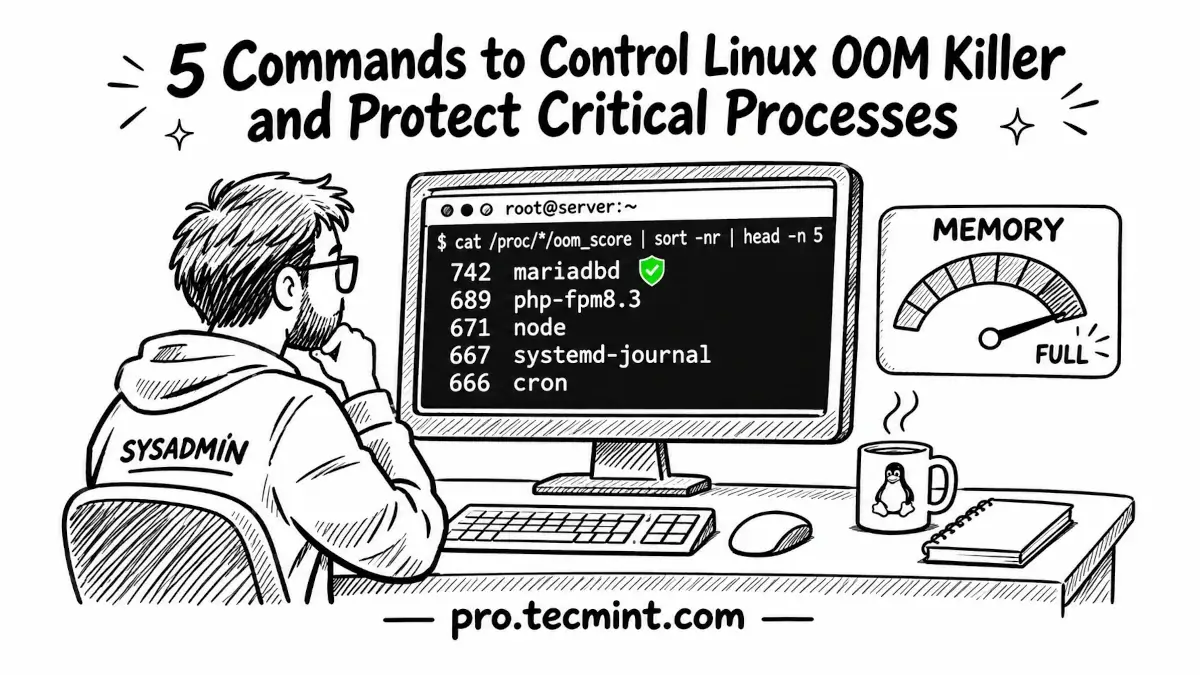
When a Linux server runs out of memory, the OOM killer may stop an important service such as your database instead of the process that caused the problem.
In this guide, we’ll use oom_score, oom_score_adj, choom, journalctl, and sysctl to see how Linux chooses a process and how to protect critical applications.
Let’s say a backup script starts running on your server at 3 AM and begins loading a large file into memory.
As RAM and swap gradually fill up, the system eventually reaches a point where there is not enough memory left for normal operation.
By morning, MariaDB has stopped, but the backup script that caused the memory problem is still running.
This happens because the Linux kernel includes an Out of Memory (OOM) killer, which steps in when the system runs critically low on memory.
To keep the server responsive, it selects a process to terminate and frees the memory that process was using.
The process using the most memory is often a likely target, which can be a problem when that process is an important database, web server, or application.
The five commands below help you check how the OOM killer evaluates running processes and adjust that behavior so critical services are less likely to be terminated.