How to Set Up Restic for Encrypted, Deduplicated Backups on Linux
In this article, set up Restic on Linux for encrypted, deduplicated backups to a local disk and SFTP server, restore files, and automate it with systemd.
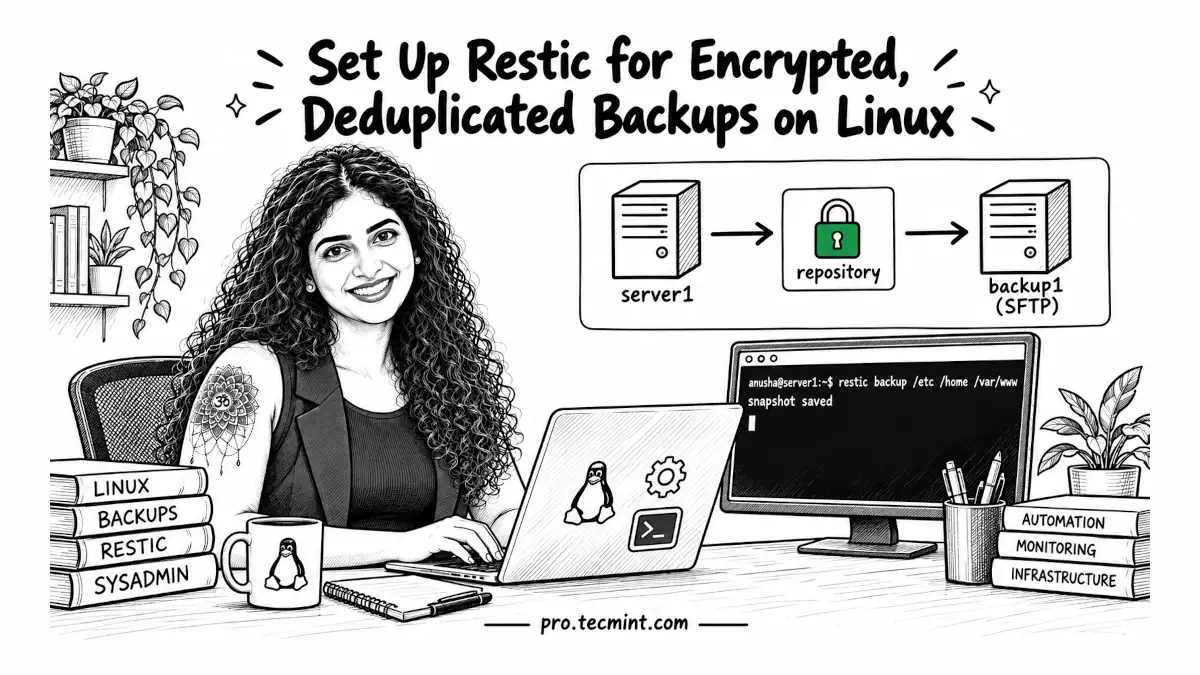
Many small Linux servers start with a simple backup job that runs tar -czf on directories such as /etc and /var/www every night.
It works, but each archive is usually a full copy, so storage usage keeps growing, and keeping those backups on the same disk will not help if that disk fails.
Using rsync reduces duplicate data because it copies only changed files, but a normal mirror still keeps only the latest state. If a file is deleted or corrupted, that change can also be copied to the backup.
What we really need is a backup tool that keeps multiple points in time, stores only changed data, and encrypts everything before it leaves the server.
Restic does exactly that: it is a free, open-source backup tool written in Go, and every backup is stored as a snapshot, giving you a complete view of your files at that moment.
Behind the scenes, restic splits data into chunks, stores each unique chunk only once, and encrypts the repository using AES-256, which makes later backups much more storage-efficient.
At the time of writing, the current release is restic 0.19.1. Before publishing, verify the latest version from the official restic GitHub releases page.
In this guide, we will configure restic on server1, back up data to a second local disk, send off-site backups to backup1 over SFTP, include a MariaDB database, and automate the entire backup process with a systemd timer.