Chapter 23: Manage Remote Files Interactively with SFTP
In this chapter, you'll learn what SFTP is, how to navigate and manage files on a remote server interactively, and how to run batch file transfers without a single manual prompt.
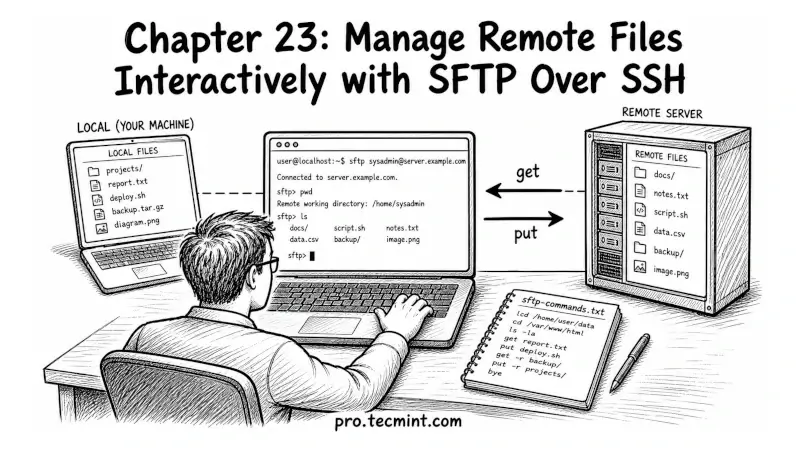
In the previous chapter, you learned how to use SCP to copy files between machines, it works in both directions, and it is useful for quick, one-time transfers, but it has a limitation: it only copies files. You give it a file, it transfers it, and that is all
In real Linux server work, things are not always that simple; you may need to look around the remote server to find files, check if a file already exists before replacing it, or rename files after uploading.
So this is where SFTP helps: it lets you connect to a remote system and work with files interactively, just like using a local shell, but on a remote machine.
 Mead Naji