Chapter 22: Transfer Files Over SSH with scp
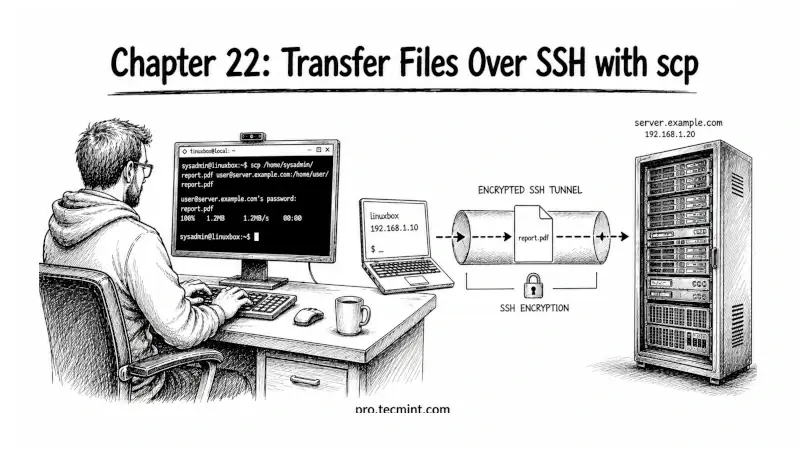
In this chapter, you'll learn what SCP is, how to copy files to and from remote servers, use recursive transfers, and understand where SCP falls short.
In the previous chapter, you set up a simple identity management system using ~/.ssh/config and IdentitiesOnly yes, ensuring that SSH automatically uses the right key for each server. With that, Module 6 is complete.
So far, every chapter has focused on SSH as a remote shell tool, connecting to servers, running commands, and managing authentication.
But SSH is also the foundation for something you will do constantly as a sysadmin or DevOps engineer: transferring files between machines securely.
You have 3 main tools for this: SCP, SFTP, and rsync, and each has its own use case.
In this chapter, we start with SCP, the simplest and most direct way to copy files over SSH.
If you have ever needed to pull a log file from a server, push a config file to a remote machine, or copy a directory between systems, SCP is often the fastest way to do it.
 Ravi Saive