Chapter 24: Incremental File Syncing with rsync
In this chapter, you'll learn what rsync is, how to sync files and directories over SSH incrementally, and how to automate backups so only changed files transfer on every run.
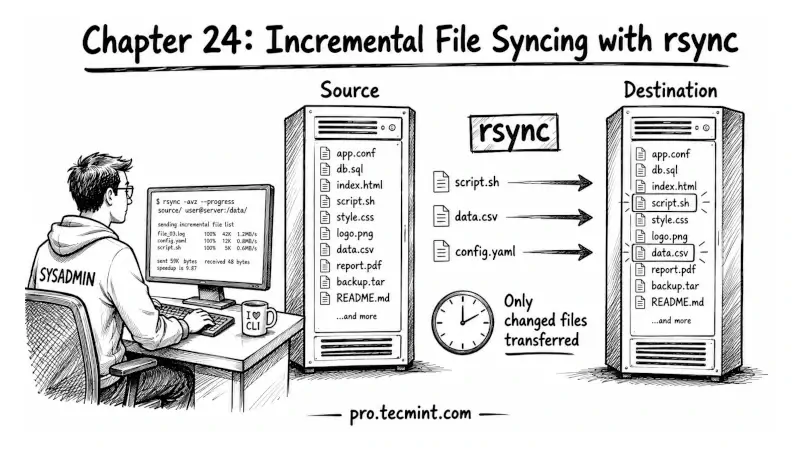
In the previous chapter, you learned how to use SFTP for interactive file management and batch transfers over SSH.
You already learned about SCP for quickly copying files and SFTP for browsing and transferring files interactively, but when you need to copy a lot of files, sync folders, resume interrupted transfers, or transfer data efficiently, most experienced Linux admins use rsync.
Most sysadmins run into rsync after hitting the limits of SCP. They use SCP to back up a 10GB directory, the transfer gets interrupted halfway through, and they have to start over from the beginning.
Or they run SCP again on a directory that barely changed, and it transfers the whole thing again when only 3 files were modified.
rsync was built to solve exactly those problems. Instead of copying everything every time, it checks what already exists on the destination and transfers only the changed files or changed parts of files.
If the transfer stops midway, rsync can resume instead of starting over, which makes it faster, more reliable, and the go-to tool for backups, server syncs, and large file transfers in Linux.