Chapter 20: Scheduling Tasks with Cron and systemd Timers
In this chapter, you'll use cron to run the health-check script on a schedule, save each result as a dated report, handle common cron issues, and optionally set it up with a systemd timer.
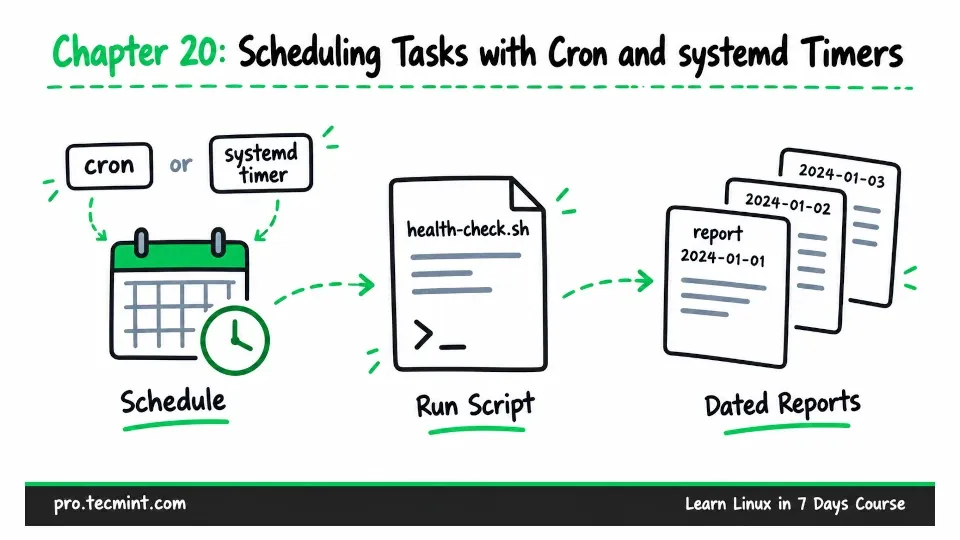
In Chapter 19, you created a health-check script that checks the Linux server and reports what it finds. If everything looks good, the script exits with status 0. If any check produces a warning, it exits with status 1.
Running the script manually is useful, but you probably do not want to remember to run it every day. A better approach is to schedule it to run automatically every morning and save the results in a dated report.
That is what we will do in this chapter.
You will first learn how to schedule the health-check script with cron. Along the way, we will deal with common problems such as cron's limited environment and PATH, prevent multiple copies of the script from running at the same time, and then set up the same task using a systemd timer.