Chapter 2: Set Up a Linux Practice Lab with Ubuntu
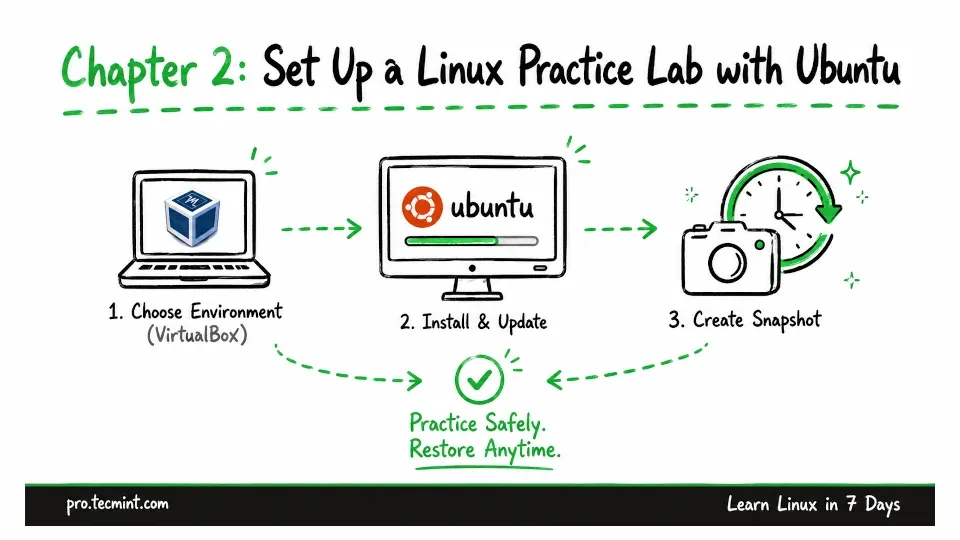
In this chapter, you'll choose a practice environment, install Ubuntu in VirtualBox, update the system, and create a snapshot you can restore anytime.
In Chapter 1, your learned what Linux is, how the kernel fits into a complete operating system, and why distributions such as Ubuntu and Rocky Linux exist.
Now it is time to set up a Linux system of your own.
You need a safe place where you can run commands, change permissions, install software, manage services, and make errors without damaging your main computer.
Every reader who finishes this course breaks something along the way, and that is only a problem when the machine is one you depend on.
That practice system will be your Linux lab for the rest of the course.
What You Will Learn
Updated on Sep 1, 2026