4 Ways to Find and Clear Zombie (Defunct) Processes in Linux
In this article, you'll learn how to find zombie processes with 'ps', trace their parent processes with 'pstree' and 'strace', and safely clear defunct entries in Linux without rebooting the system.
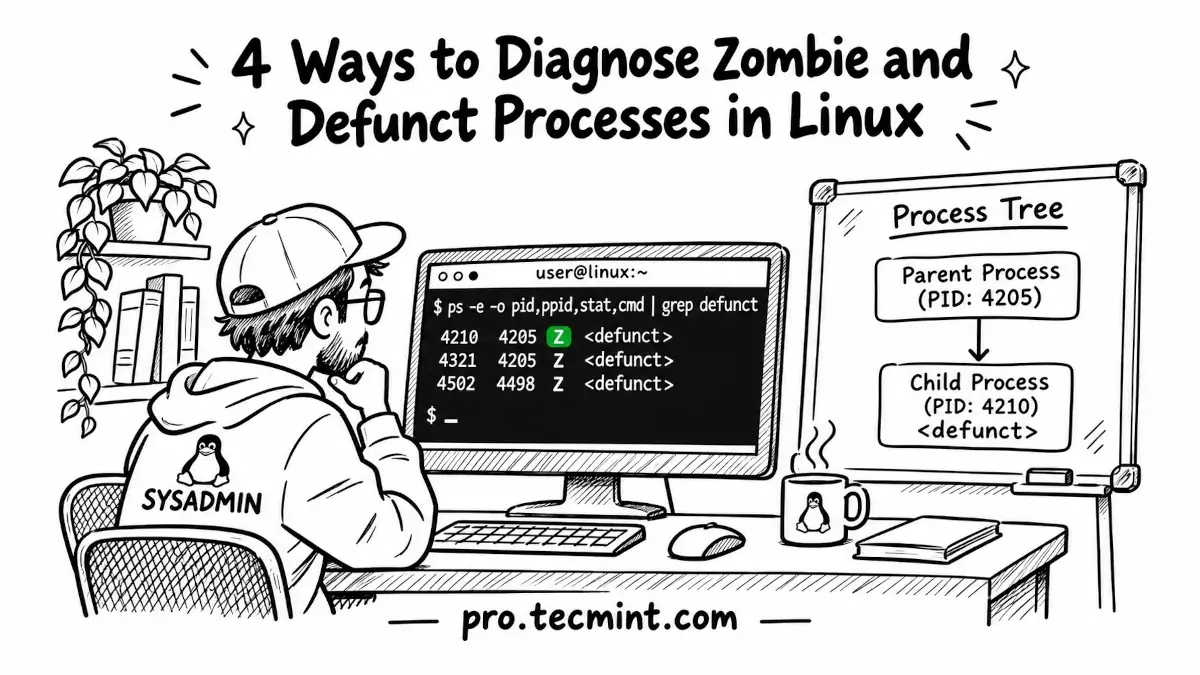
Defunct processes can remain in the process list even after you run kill -9. Here is how to find them with ps, trace their parent with pstree and strace, and clear them safely.
If you open top on a busy Linux server and notice something like "3 zombie" in the task summary, your first reaction might be to run kill -9 against those process IDs. However, when you refresh top, the zombie processes may still be there.
The reason is simple: a zombie process has already finished running, so there is no active process left for kill to terminate.
A zombie, also called a defunct process, is a child process that has exited but still has an entry in the Linux process table because its parent process has not collected the child's exit status using the wait() system call.
Zombie processes use almost no memory, but each one still occupies a process ID (PID). A few zombies are usually not a serious problem, but if a badly behaved parent process keeps creating them, thousands of zombie entries can eventually prevent the system from starting new processes.
In the following methods, we will find the zombie processes, identify their parent processes, check why the parent is not cleaning them up, and clear them without rebooting the system.