Chapter 29: Integrate Claude Code with n8n for Linux Automation
In this chapter, you'll connect Claude Code and Claude API to n8n workflows for event-driven automation: alert triage, log summarization, and cross-tool sysadmin pipelines.
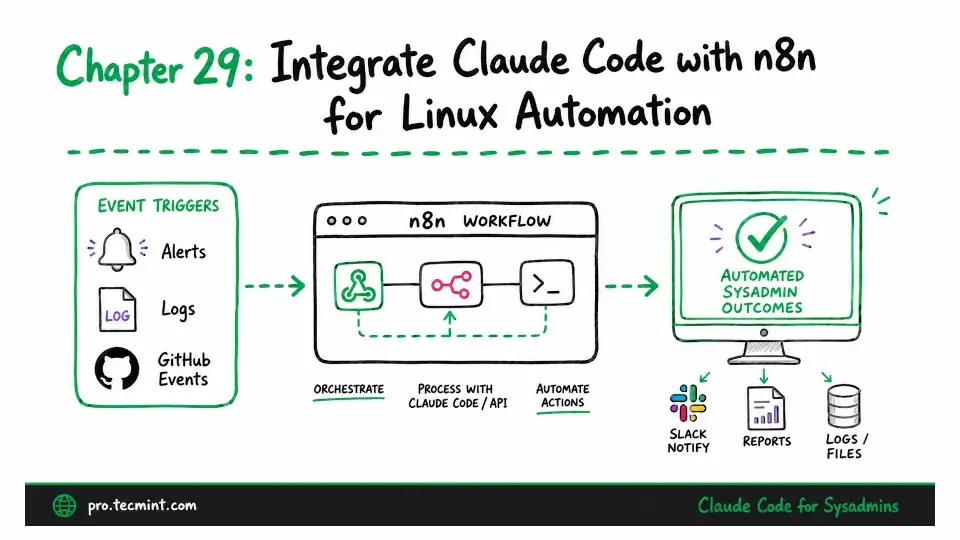
In the previous chapter, we built a daily health report that runs on a schedule. In this chapter, we'll take the next step by making it event-driven, meaning instead of waiting for a cron job to run, Claude will respond automatically whenever a monitoring alert, GitHub event, or another external trigger occurs, without any manual intervention.
n8n is a self-hosted workflow automation tool that connects more than 500 services through a visual node editor. You can run it on the same server as your other system administration tools for just a few dollars a month, and each n8n workflow works like a pipeline.
A trigger starts the workflow, data moves through a series of nodes, and each node performs a specific task. By adding Claude to one of those nodes, you can give the entire workflow AI-powered analysis.
In this chapter, you'll learn two integration patterns.
- The first uses an n8n HTTP Request node to call the Claude API directly, which is ideal when AI analysis is just one step in a larger workflow that connects multiple services.
- The second uses n8n's Execute Command node to run
claude --bare -p, which lets you reuse the headless automation patterns from Chapter 27 inside an event-driven workflow.