Chapter 27: Run Claude Code in Headless Mode
In this chapter, you'll learn how to run Claude Code non-interactively with the -p flag, pipe data in and out, pre-approve tools, and integrate it into cron jobs and shell pipelines.
In the previous chapter, we completed Module 7 by following a performance investigation workflow from load average through PostgreSQL configuration.
Now we are moving on to Module 8, which focuses on automation, beginning with the capability that makes the rest of the module possible: headless mode.
Until this point, every example has used Claude Code interactively, where you entered prompts in the terminal, and Claude responded within an interactive session, but Headless mode changes that workflow.
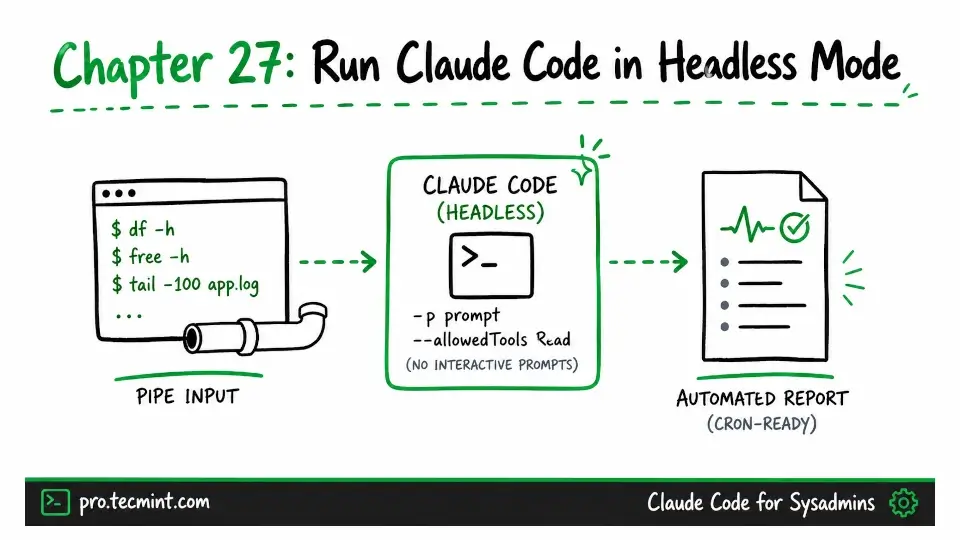
Instead of opening the terminal interface, you provide a prompt as a command-line argument, then Claude executes its full agent loop, writes the result to standard output (stdout), and then exits without any terminal user interface or approvals.
This single change makes Claude Code suitable for automation. It can be invoked from cron jobs, shell scripts, systemd timers, and continuous integration (CI) pipelines just like any other command-line program.
By the end of this chapter, you will understand the command-line flags required for safe headless execution, learn how to pipe data into and out of Claude Code, and build a daily server health report cron job that will serve as the foundation for the automation that we cover in Chapter 28.