Claude Code for Linux Sysadmins
The only Claude Code course that takes Linux sysadmins from pasting questions into a chat window to building autonomous agents with custom Skills, MCP servers, and compliance-ready audit trails running on production systemd timers.
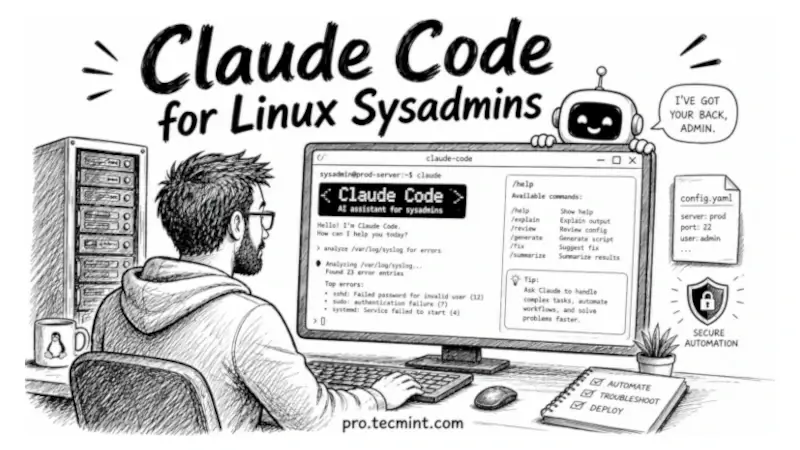
From your first terminal session to a deployed sysadmin agent that works even when you're not there.
Most system administrators try Claude Code once, ask a general question, get a general answer, and then move on. That's because they're using it like the web app, where you type a question and read the response.
The terminal agent works very differently, because it can read your actual configuration files, edit them with your approval, run commands on your Linux system, connect to your monitoring stack, and even run unattended from a cron job at 3 a.m. while you sleep.
But to use it effectively, you need to understand its permission model, safe operating practices, and the powerful features that many users never discover.
This course teaches all of that, because every chapter has been tested on real Linux systems, every example is based on real system administration tasks, and by the end of the course you'll have a working sysadmin agent running on your own server.
What You'll Be Able to Do
By the end of this course, you'll be able to:
- Install and authenticate Claude Code on Ubuntu, Debian, and RHEL and get productive from day one.
- Review Nginx, Apache, sshd_config, and sudoers files with Claude as your second pair of eyes before touching production.
- Debug failed systemd services end to end, from reading the unit file and journal logs through applying and verifying the fix.
- Write and refactor Bash scripts with proper error handling and edge case coverage that manual review typically misses.
- Build custom Skills so your disk audit, backup verification, and log triage tasks run exactly the way you want, every time, without re-explaining yourself.
- Connect Claude Code to GitHub, your internal runbooks, and your monitoring stack through MCP servers so it reads live data from your actual tools.
- Use Claude Code safely during live incidents: what to ask, what to approve, and what to always run yourself.
- Write postmortem documents from raw logs in 10 minutes rather than 2 hours.
- Run Claude Code headlessly in cron jobs, systemd timers, and n8n workflows so it monitors your servers and delivers structured reports automatically.
- Deploy a sysadmin agent on a 15-minute timer that triages alerts, runs first-line diagnostics, and escalates to you only when it actually needs to.
What Members Are Saying
"I've been managing Linux servers for eight years, and this course filled gaps I didn't know I had. The Skills and MCP chapters alone were worth the membership."
- Linux Sysadmin, Pro TecMint Member
"This is the first Claude Code course that properly explains the permission model. Understanding the copy-first pattern changed how I use it on production servers."
- DevOps Engineer, Pro TecMint Member
"The incident response chapter is the one I've shared most with my team. We set up the incident alias and CLAUDE.md before our next on-call rotation, and it made a real difference."
- Infrastructure Engineer, Pro TecMint Member
Who This Course Is For
This course is designed for:
- Linux system administrators who manage production servers and want to use AI safely, confidently, and with a clear audit trail.
- DevOps engineers who automate infrastructure, deployments, and CI/CD pipelines.
- Security engineers who need AI workflows that follow documented safety practices and support compliance requirements.
- IT professionals working with Linux servers on cloud platforms such as DigitalOcean, AWS, and Hetzner.
- Students preparing for RHCSA, RHCE, LFCS, or LFCA certifications who want to complete labs and troubleshoot problems more efficiently.
- Anyone who has tried Claude Code, found it underwhelming, and wants to learn how to use it effectively in real-world Linux administration.
You don't need any previous AI experience. The course begins with installation and authentication, then gradually builds your skills until you're able to deploy and use Claude Code confidently in production environments.
Before You Start
To get the most from this course, you should already be comfortable using the Linux terminal and editing text files with either nano or vim.
You'll also need access to a Linux system where you can follow the examples. A local virtual machine, an old computer running Linux, or a small cloud VPS will all work well.
If you're completely new to Linux, it's a good idea to complete the Ubuntu Handbook or Learn Linux in 7 Days before starting this course. That foundation will make the lessons much easier to follow.
Finally, you'll need a paid Claude account (Pro, Max, Team, or Enterprise). Most of the course can be followed with any supported plan, but you'll need a paid account by Module 5 to use features such as Skills.
What the Course Covers
The course is organized into 10 modules and 32 chapters, with every example tested on Ubuntu 26.04 LTS and RHEL 10.
- Module 1: Foundations (Chapters 1-4)
- Module 2: Working in the Terminal (Chapters 5-8)
- Module 3: Sysadmin Daily Tasks (Chapters 9-12)
- Module 4: Configuration Management (Chapters 13-15)
- Module 5: Skills, the Force Multiplier (Chapters 16-19)
- Module 6: MCP Servers for Linux Workflows (Chapters 20-23)
- Module 7: Incident Response and Troubleshooting (Chapters 24-26)
- Module 8: Automation and Scheduled Workflows (Chapters 27-29)
- Module 9: Security and Safe Use (Chapters 30-31)
- Module 10: Putting It All Together (Chapter 32)
What You Get With Membership
When you join Pro TecMint, you'll receive:
- Lifetime access to all 32 chapters, including free updates as Claude Code continues to evolve.
- Access to every course, including SSH, RHCSA, RHCE, LFCS, Ubuntu Handbook, Learn Linux in 7 Days, Golang for DevOps, and many more.
- Access to the Telegram community, where you can ask questions, share ideas, and learn alongside other Linux professionals.
- A certificate of completion after you finish the course.
Ready to Get Started?
If you're ready to use Claude Code as a practical Linux administration tool instead of just another AI chatbot, this course will show you how.
Join hundreds of Linux administrators and DevOps engineers already learning on Pro TecMint.
You'll get instant access to all 32 chapters, along with every course and certification guide.
As a member, you'll also receive one premium eBook every quarter as a free download, plus future course updates included with your membership.
If you want to see how Claude Code fits alongside other AI tooling for Linux work, the AI for Linux course covers the broader landscape of AI tools for sysadmins.