Chapter 2: Install Claude Code on Linux
In this chapter, you'll learn how to install Claude Code on Ubuntu, Debian, and RHEL using the native installer and package managers, then verify your install works.
In the previous chapter, we covered what Claude Code is and why it is important for Linux sysadmins and DevOps.
Now it's time to get it running on your machine, because everything else in this course assumes you have a working install, where you can practice on.
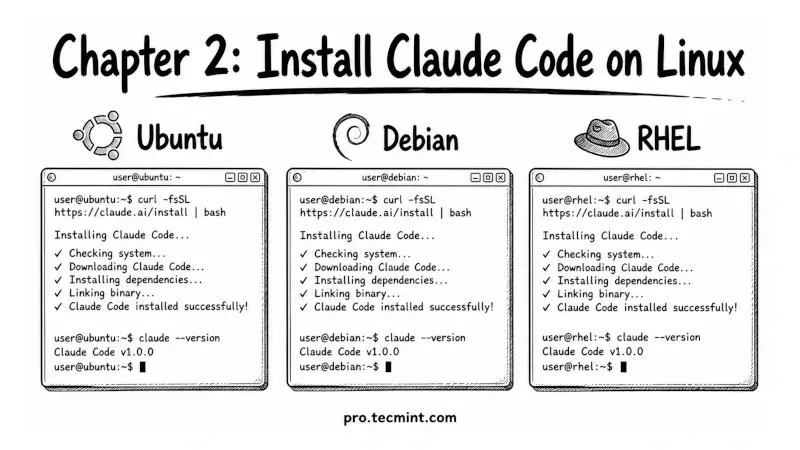
This chapter covers three install paths, the official native installer that works on every distro, the apt repository for Debian and Ubuntu, and the dnf repository for RHEL and Rocky Linux.
We'll also cover the rules around sudo, why you should not install Claude Code as root, and how to verify everything works before moving on.
If you want a broader view of how AI tools fit into a sysadmin's daily workflow before going deep on Claude Code specifically, the AI for Linux course covers the full landscape end to end.