Chapter 3: Set Up Claude Code Login
In this chapter, you'll learn how to authenticate Claude Code with OAuth, set up API keys for headless servers, and run your first interactive session.
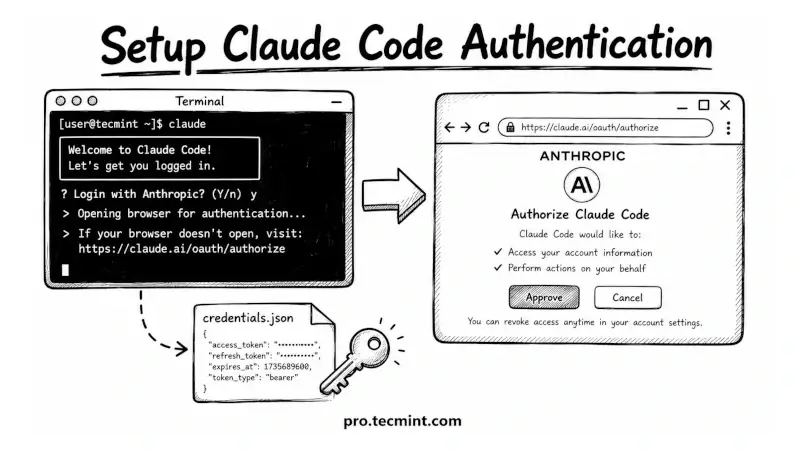
In the previous chapter, we installed Claude Code on Ubuntu, Debian, and RHEL using the native installer and the package manager paths.
The binary is on your system and claude --version returns a number, but you cannot actually use it yet because it has no idea who you are.
This chapter covers the authentication step, which is how you tell Claude Code which Anthropic account to bill against and which subscription or API key to use.
We'll walk through the OAuth login flow for desktop sessions, the API key path for headless servers, the long-lived OAuth token option for CI pipelines, and the directory layout where Claude Code keeps your settings.
By the end, you'll have a working session running, and you'll know exactly where your credentials live.
 Ravi Saive