Chapter 11: Audit Linux User Accounts, sudoers, and SSH Keys
In this chapter, you'll learn how to use Claude Code to audit user accounts, sudoers grants, and SSH authorized_keys files for stale entries and security risks.
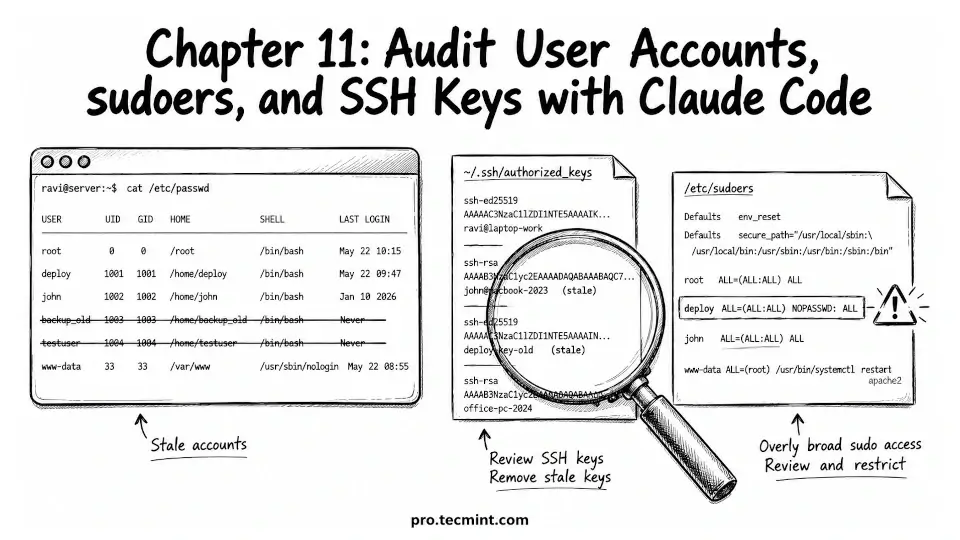
In the previous chapter, we learned how to troubleshoot systemd services with Claude Code and configured global sudo credential caching so it can safely run administrative commands when needed.
Now let's focus on user account auditing, one of the most important areas of Linux server administration.
As servers run over time, user accounts can build up. Some belong to people who no longer need access, some were created for short-term work, and others were used by applications that are no longer running.
If these accounts are not cleaned up, they can become a security problem. An old account that can still log in, an SSH key that still works, or a user with sudo access they no longer need can give someone an easy way to get into the server.
In this chapter, you'll use Claude Code to review user accounts, check sudo permissions, and inspect SSH authorized keys. You'll learn how to examine files such as /etc/passwd, /etc/sudoers, and users' ~/.ssh/authorized_keys files to identify accounts, permissions, and access methods that are no longer needed.
By the end of the chapter, you'll be able to spot unused accounts quickly, users with more sudo access than they need, and old SSH keys that should be removed.
You'll also learn how to create a simple cleanup plan to reduce security risks and keep your Linux servers easier to manage.