Chapter 11: Generating SSH Key Pairs with ssh-keygen
In Chapter 11, you will learn how to generate your first SSH key pair using the ssh-keygen command, understand where SSH stores your keys, set a passphrase to protect your private key, and verify your key pair is ready to use.
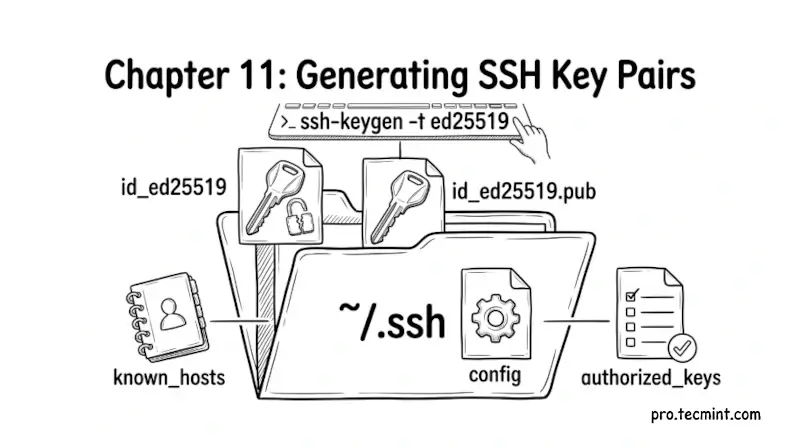
In the previous chapter, you learned about the different SSH key types and why Ed25519 is the recommended choice for all new keys. You now have everything you need to generate your first SSH key pair.
In this chapter, you will use the ssh-keygen command to generate your key pair, understand every option available to you, learn where SSH stores your keys, and set up a passphrase to protect your private key.
What Is ssh-keygen
ssh-keygen is the command-line tool that comes with OpenSSH specifically for generating, managing, and converting SSH key pairs.
It is available on Linux, macOS, and Windows (with the built-in OpenSSH client) and works the same way on all three platforms.
When you run ssh-keygen, it does three things:
- Generates a mathematically linked public and private key pair.
- Saves the private key to your local machine.
- Saves the public key to your local machine with a
.pubextension.
The private key stays on your machine forever. The public key is what you will copy to any server you want to access.
 Mead Naji