Chapter 10: Debug a Failed systemd Service with Claude Code
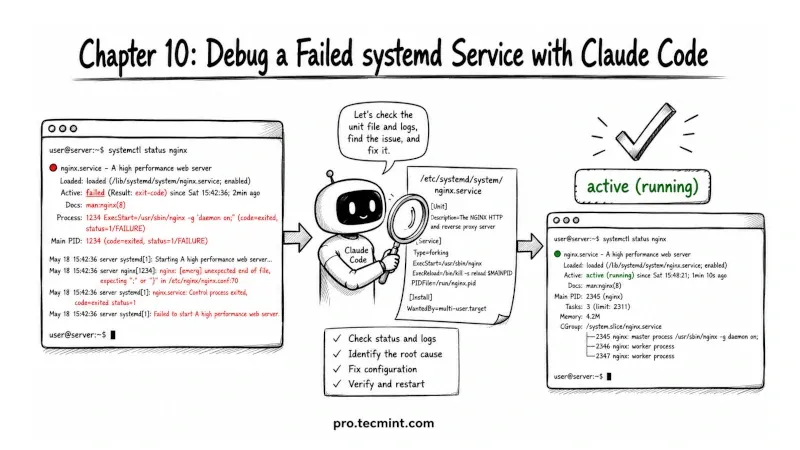
In this chapter, you'll learn how to debug a failed systemd service using Claude Code, from reading the unit file and journal logs to applying and verifying the fix.
In the previous chapter, you learned how to work with system logs by filtering journalctl output, spotting error patterns, and narrowing a large amount of log data down to the actual problem. That's usually the first part of troubleshooting.
In this chapter, we'll focus on what happens after you've found the problem.
We'll intentionally break a systemd service and then troubleshoot it using Claude Code, where you'll see how to inspect the unit file, check journal logs, interpret error messages, trace the issue back to its source, apply a fix, and start the service successfully again.
By the end of the chapter, you'll have a practical troubleshooting process that you can use with almost any systemd service you encounter.