Chapter 9: Analyze Linux Logs with Claude Code
In this chapter, you'll learn how to use Claude Code to triage Linux logs from journalctl, syslog, and application logs, turning thousands of lines into a clear diagnosis.
In the previous chapter, we set up CLAUDE.md and .claudeignore so Claude has useful context and ignores unnecessary files.
Now we move into Module 3, where we start using everything in real sysadmin work, and we begin with one of the most important daily tasks that most system administrators do on Linux systems, called reading logs.
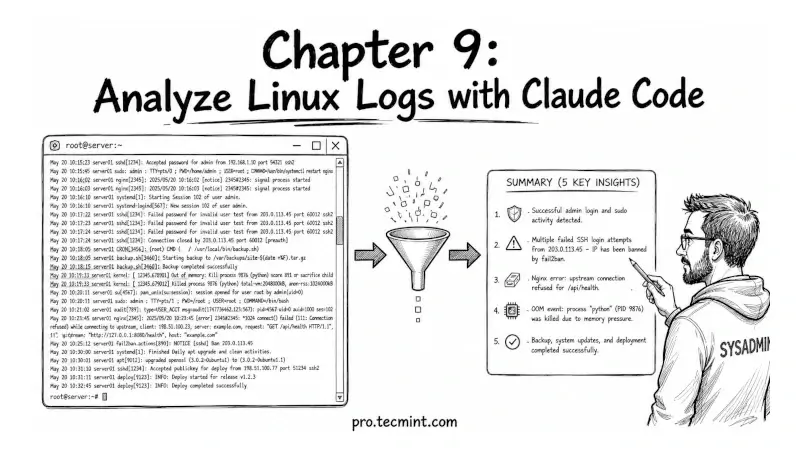
On a busy Linux server, logs are generated constantly, often thousands of lines per hour, but the real challenge is finding the few important lines that actually explain a problem, like why a service failed, why a cron job stopped working, or why disk usage or I/O suddenly spiked at 2 AM.
This is exactly the kind of work Claude Code is good at doing. Instead of manually scrolling through huge log files, you can point Claude at outputs from tools like journalctl, syslog, or application-specific logs, and ask it to look for patterns or errors.
By the end of this chapter, you will know how to take large log outputs, even tens of thousands of lines, and turn them into a clear, simple explanation of what actually went wrong in plain English.