Lesson 103: bd Command
In this lesson, you'll learn how to use the bd command to quickly navigate back to any parent directory in Linux without repeatedly typing cd ../...
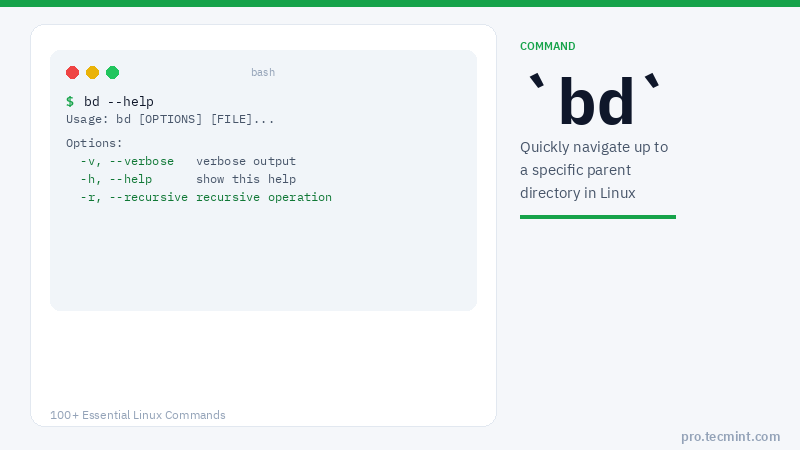
As a Linux user, you might be aware of the cd command, which allows users to navigate through the file system.
However, to move back to a parent directory within a long path, we would typically issue the cd command repeatedly (e.g., cd ../../..) until we reach the desired directory.
This can be tiring. To rescue the user from this repetitive process, Linux offers the bd command.
bd is a handy utility for navigating the filesystem. It enables you to quickly go back to a parent directory.
You can reliably combine it with other Linux commands to perform a few daily operations.
Install bd in Linux
On Debian-based and Arch Linux distributions, you can install bd from the default repositories using your package manager as shown.
$ sudo apt install bd    # Debian, Ubuntu and Mint
$ sudo pacman -S bd      # Arch Linux
On other distributions, run the following commands to download and install bd under /usr/bin/ using the wget command, make it executable, and create the required alias in your ~/.bashrc file:
$ wget --no-check-certificate -O /usr/local/bin/bd https://raw.github.com/vigneshwaranr/bd/master/bd
$ chmod +rx /usr/local/bin/bd
$ echo 'alias bd=". bd -si"' >> ~/.bashrc
$ source ~/.bashrc
Note: To enable case-sensitive directory name matching, set the -s flag instead of -si in the alias created above.
To enable autocomplete support, run these commands:
$ sudo wget -O /etc/bash_completion.d/bd https://raw.github.com/vigneshwaranr/bd/master/bash_completion.d/bd
$ source /etc/bash_completion.d/bd
bd Command Syntax
$ bd [DIRECTORY_NAME | STARTING_LETTERS]
1. Navigate to a Parent Directory by Name
Assuming you are currently in the following long directory path:
/media/ubuntu/Data/Computer_Science/Documents/Books/LEARN/Linux/Books/server
And you want to go to the Documents directory quickly, then simply type: