Lesson 26: grep Command
In this lesson, you'll learn how to use the grep command to search and filter text patterns in files in Linux.
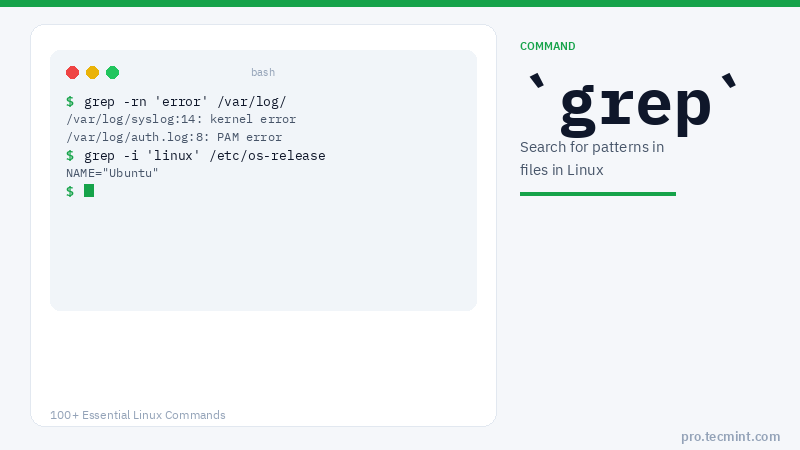
grep is a powerful file pattern searcher that comes equipped on every distribution of Linux. If, for whatever reason, it is not installed on your system, you can easily install it via your package manager as shown.
Install grep on Linux
$ sudo apt install grep         # Debian, Ubuntu and Mint
$ sudo yum install grep         # RHEL/CentOS/Fedora and Rocky Linux/AlmaLinux
$ sudo emerge -a sys-apps/grep  # Gentoo Linux
$ sudo apk add grep             # Alpine Linux
$ sudo pacman -S grep           # Arch Linux
$ sudo zypper install grep      # OpenSUSE
grep Command Syntax
grep [OPTIONS] PATTERN [FILE]
grep Command Options
| Option | Description |
|---|---|
-i |
Case-insensitive search |
-v |
Invert match - print lines that do NOT match |
-n |
Display line numbers with matching lines |
-r |
Search recursively in all subdirectories |
-w |
Match whole words only |
-c |
Print only the count of matching lines |
-A N |
Print N lines after the matching line |
-B N |
Print N lines before the matching line |
-C N |
Print N lines before and after the matching line |
-E |
Use extended regular expressions (same as egrep) |
-F |
Search for a fixed pattern string (same as fgrep) |
Let's dive right in and use some real-world examples of the grep command to better understand its working.
1. Search and Find Files in Linux
Let's say that you have just installed a fresh copy of the new Ubuntu on your machine and that you are going to give Python scripting a shot.
You have been scouring the web looking for tutorials, but you see that there are two different versions of Python in use, and you don't know which version of Python is installed on Ubuntu by the installer, or if it installed any modules.
Simply run the following dpkg command with grep as shown:
# dpkg -l | grep -i python
ii  libpython3-stdlib:amd64                    3.10.6-1~22.04                          amd64        interactive high-level object-oriented language (default python3 version)
ii  libpython3.10:amd64                        3.10.6-1~22.04.2ubuntu1.1               amd64        Shared Python runtime library (version 3.10)
ii  libpython3.10-minimal:amd64                3.10.6-1~22.04.2ubuntu1.1               amd64        Minimal subset of the Python language (version 3.10)
ii  libpython3.10-stdlib:amd64                 3.10.6-1~22.04.2ubuntu1.1               amd64        Interactive high-level object-oriented language (standard library, version 3.10)
ii  python-apt-common                          2.4.0ubuntu1                            all          Python interface to libapt-pkg (locales)
ii  python3                                    3.10.6-1~22.04                          amd64        interactive high-level object-oriented language (default python3 version)
ii  python3-apport                             2.20.11-0ubuntu82.5                     all          Python 3 library for Apport crash report handling
First, we ran dpkg -l, which lists installed *.deb packages on your system. Second, we piped that output to grep -i python, which simply states "go to grep and filter out and return everything with 'python' in it."
The "-i" option is there to ignore case, as grep is case-sensitive. Using the "-i" option is a good habit to get into unless, of course, you are trying to nail down a more specific search.