Lesson 59: whoami Command
In this lesson, you'll learn how to use the whoami command to display the current logged-in username in Linux, and more importantly, how to use it inside scripts to control execution based on who is running them.
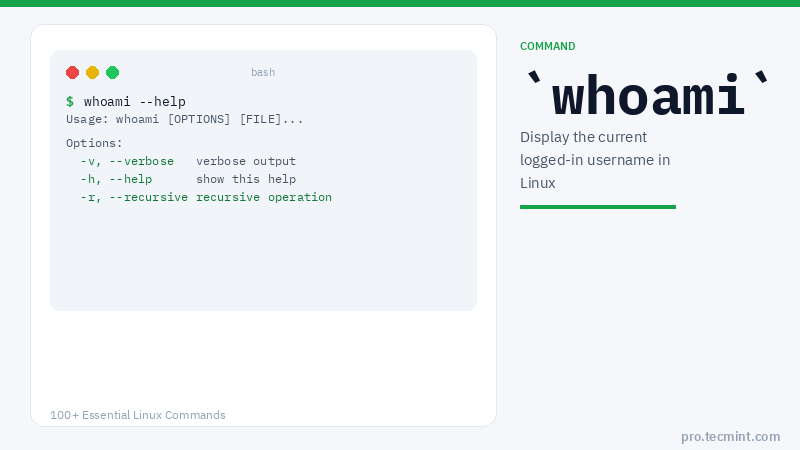
The whoami command prints the effective username of the currently logged-in user.
It is one of the smallest but most useful identity commands in Linux, especially when working with sudo, shell scripts, and automated jobs where the running user determines what the script is allowed to do.
Syntax
whoami [OPTIONS]
Options
| Option | Description |
|---|---|
--help |
Display help information and exit |
--version |
Output version information and exit |
1. Display the Current Logged-In User
The most basic use run whoami without any arguments to print the username of the current effective user.
whoami
ravi
This tells you exactly which user account the current shell session belongs to.
Useful when you are switching between multiple accounts and lose track of which terminal belongs to which user.
2. Check if You Are Running as Root
When you prefix a command with sudo, Linux temporarily elevates your privileges to root.
Running whoami under sudo confirms that elevation is active.
sudo whoami
root
Without sudo, the same command returns your regular username. This distinction matters in scripts where certain operations must be run as root.
Note: whoami reports the effective user, not the login user. If you run sudo whoami, it returns root even though you logged in as a regular user.
To see the original login user regardless of sudo, use logname instead.