Chapter 8: Set Up CLAUDE.md and .claudeignore Files
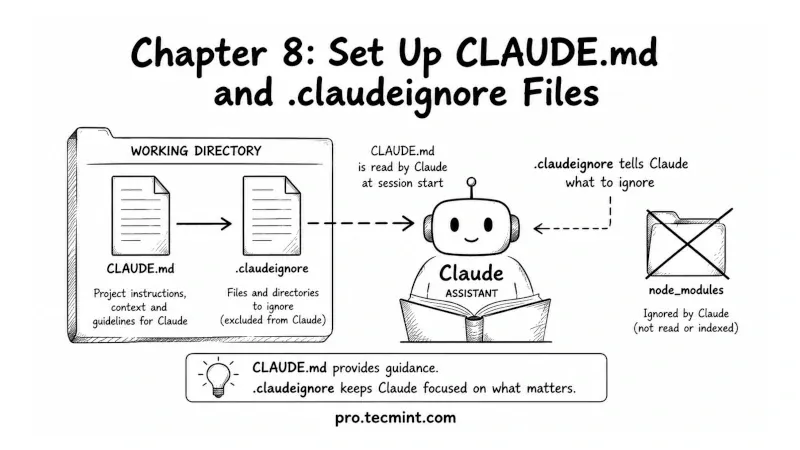
In this chapter, you'll learn how to use CLAUDE.md to save important instructions between sessions and .claudeignore to keep Claude focused only on the files that matter.
In the previous chapter, we covered how to run shell commands with Claude, how the permission system works, and what happens when Claude runs into commands that require sudo access.
So far, every example assumed you were working in a clean and organized directory, but real Linux servers and sysadmin workspaces get messy over time.
You end up with old log files, downloaded packages, backups, temporary files, and outdated configs scattered everywhere.
When Claude scans a directory full of unnecessary files, it can waste time and context on things that are not important.
In this chapter, you'll learn about two small but powerful files that help solve this problem.
- The first is
CLAUDE.md, which acts like a memory file for your project or server environment that lets you store important notes and instructions that Claude can remember across sessions. - The second is
.claudeignore, which tells Claude which files and folders to skip. This keeps the context clean and focused only on the files that actually matter.
Both files are simple to create, but they can make your Claude sessions faster, cleaner, and more accurate.
By the end of this chapter, you'll have both CLAUDE.md and .claudeignore configured for your own Linux sysadmin workspace.