Chapter 7: Run Shell Commands with Claude Code
In this chapter, you'll learn how Claude Code runs shell commands, which commands require approval, how to review commands safely, and how to prevent dangerous operations with confirmation prompts.
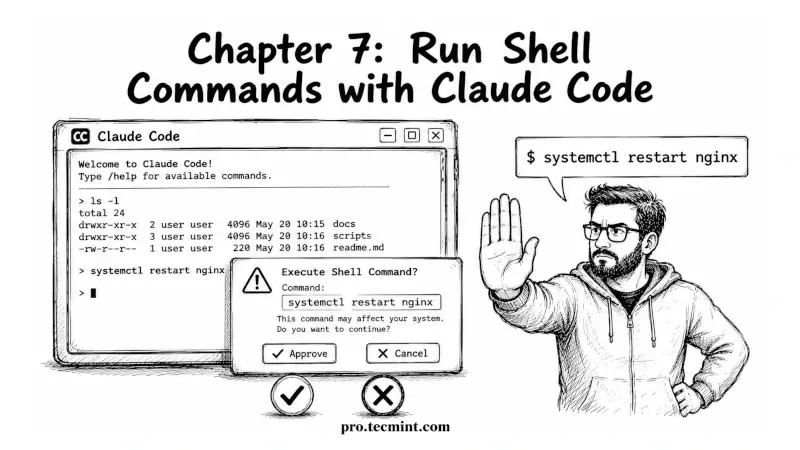
In the previous chapter, we learned how Claude Code can edit files, show changes with git diff, approve updates, and roll back mistakes. That is the second of the three main actions Claude can perform on your system.
In this chapter, we’ll look at the third action: running shell commands.
When you allow it, Claude can run commands directly on your machine, which makes it very useful for everyday Linux tasks.
For example, it can check whether a service is running, inspect active processes, read log files, test configuration files before applying changes, and combine multiple commands to help troubleshoot problems faster.
But shell commands also require more care. Unlike file edits that can often be undone with git, some commands can permanently change your system or delete important data.
This chapter explains how command permissions work, which commands Claude can run automatically, which ones need your approval, and the best practices to help you stay in control while using Claude safely.