Lesson 61: last Command
In this lesson, you'll learn how to use the last command to view the login history of users on your Linux system including who logged in, from where, for how long, and when the system was last rebooted.
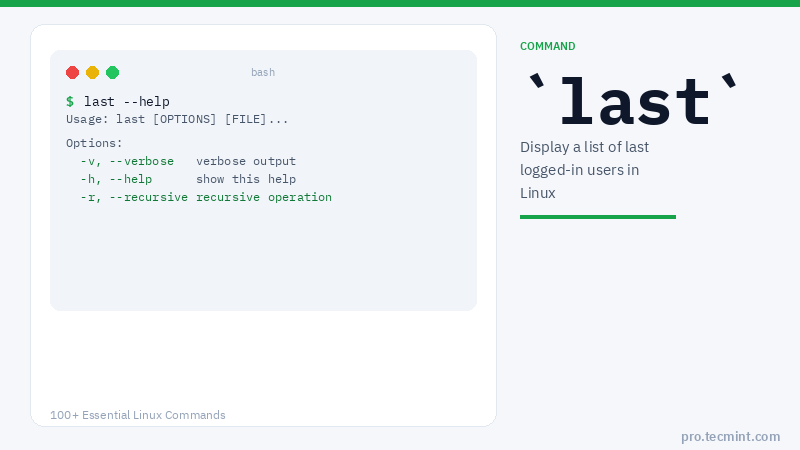
The last command reads from /var/log/wtmp, a binary log file that Linux maintains automatically to record every login, logout, and system reboot event.
Unlike w which shows who is logged in right now, last shows you the historical record, making it the go-to command for auditing user activity, investigating unauthorized access, or simply confirming when a scheduled reboot actually happened.
Syntax
last [OPTIONS] [USERNAME] [TTY]
If a username or TTY is specified, last filters output to show only events matching that user or terminal.
Options
| Option | Description |
|---|---|
-n <N> |
Show only the last N entries |
-a |
Display the hostname in the last column |
-d |
Translate IP addresses to hostnames |
-F |
Show full login and logout times including seconds |
-i |
Show IP address instead of hostname |
-R |
Suppress the hostname/IP column |
-w |
Display full username and domain name |
-x |
Show system shutdown and runlevel change entries |
-f <file> |
Read from a specific file instead of /var/log/wtmp |
Understanding the last Command Output
last
ravi     pts/0        192.168.1.105    Wed Jan 15 09:45   still logged in
ubuntu   pts/1        192.168.1.110    Wed Jan 15 08:30 - 11:22  (02:52)
deploy   pts/2        10.0.0.45        Tue Jan 14 22:10 - 22:35  (00:25)
reboot   system boot  6.8.0-51-generic Tue Jan 14 21:00   still running
ravi     pts/0        192.168.1.105    Tue Jan 14 14:15 - 18:42  (04:27)

wtmp begins Mon Jan  6 08:00:00 2025
Column breakdown:
| Column | What It Means |
|---|---|
USER |
Login username (reboot indicates a system restart) |
TTY |
Terminal used (pts/N = SSH/remote, tty = local console) |
FROM |
Hostname or IP the user connected from |
LOGIN TIME |
When the session started |
LOGOUT TIME |
When it ended, or still logged in if active |
DURATION |
Total session length in (HH:MM) format |
The last line always shows when the wtmp log file begins — entries before that date are no longer available.