RHCSA Lab: Reset a Lost Root Password on RHEL 10
In this article, we reset a forgotten root password on RHEL 10 using init=/bin/bash, passwd, and a SELinux relabel.
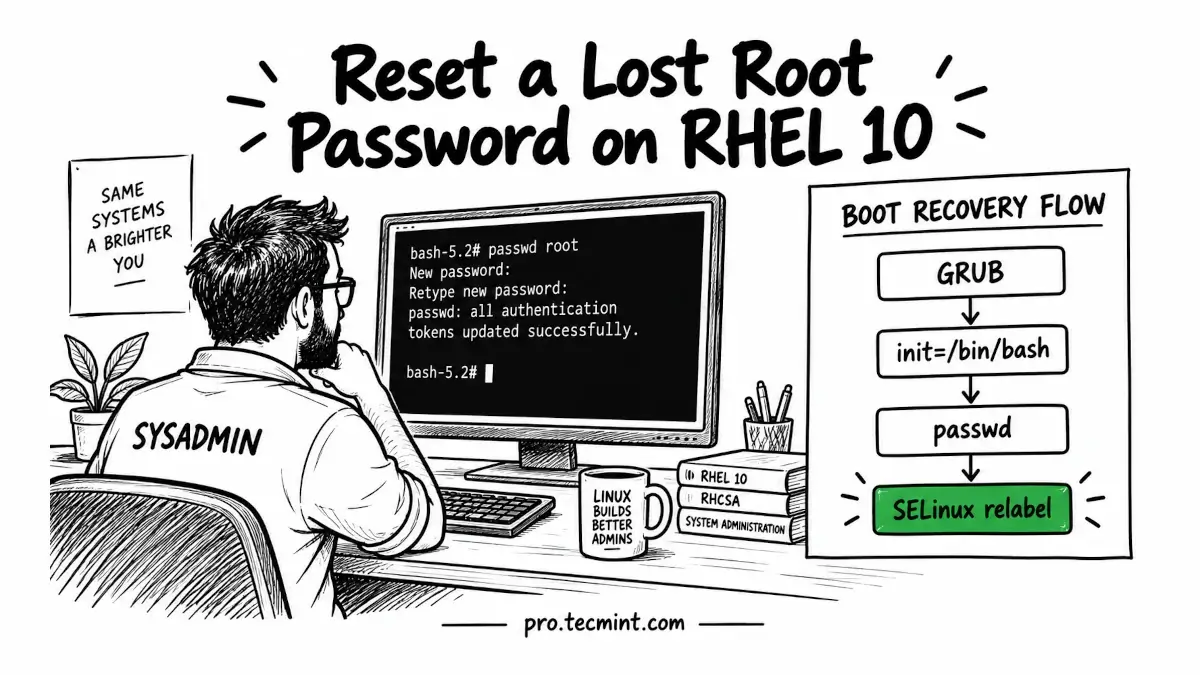
According to the RHCSA exam objectives, one of the important skills you are expected to know is how to interrupt the boot process and regain access to a system when the root password has been lost or forgotten.
This is not just an exam exercise, but you might also run into the same situation on a real Linux system, for example, when a server changes hands or the root password is no longer available.
In such cases, RHEL allows us to interrupt the normal boot process and set a new root password from the system console.
In this lab, we will reset the root password from the GRUB boot menu on a RHEL 10 system. Along the way, we will also take care of the required SELinux relabeling and, once the system has booted normally again, verify that we can log in using the new password.
Before we begin, there is one important requirement to keep in mind that the procedure we use here cannot be performed over SSH because the password is reset during the boot process, before the system reaches the point where normal remote login services are available.
For that reason, you need console access to the RHEL system, which can be a directly connected keyboard and monitor, a remote management console such as iLO, iDRAC, or IPMI, or the console provided by your hypervisor if RHEL is running as a virtual machine.
If SSH is currently your only way to access the system, you will need to arrange console access before proceeding with the password recovery.