Chapter 12: Basic Network Troubleshooting in Linux
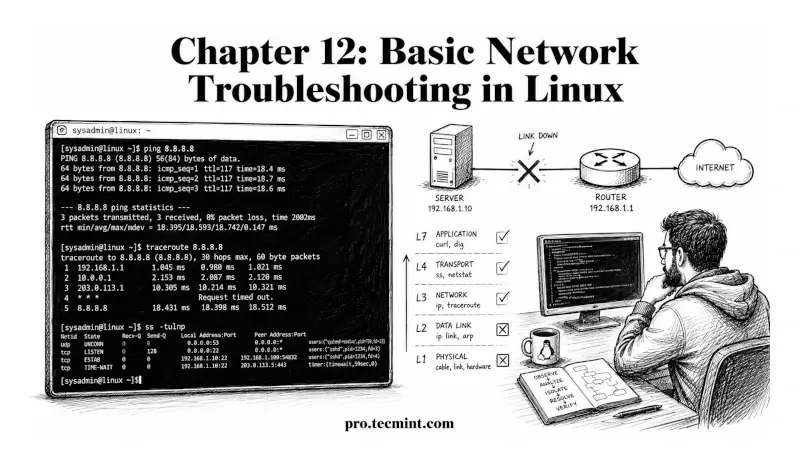
In this chapter, you'll learn how to systematically diagnose network problems in Linux using ping, traceroute, ss, dig, ip, and curl with a step-by-step troubleshooting methodology.
In Chapter 11 of the LFCA Certification Course, you completed the networking theory section of Module 2, covering how the IPv4 address space is divided into classes, how CIDR replaced classful addressing, and how VLSM allocates subnets of different sizes within a parent network.
This chapter returns to the command line and closes Module 2: System Administration Fundamentals by tying together the networking commands from Chapters 3 and 4 with the IP addressing theory from Chapters 9, 10, and 11 into a practical troubleshooting methodology, and the goal is to leave you with a repeatable process for diagnosing network problems on any Linux system, not just a list of commands.
The System Administration Fundamentals domain (30%) of the LFCA exam tests network troubleshooting both as command recognition and as scenario-based reasoning, where you're given a symptom and asked to identify the correct diagnostic step or the most likely cause, and the layer-by-layer approach this chapter teaches is exactly what those questions are testing.
Every command in this chapter was tested on Ubuntu 26.04 LTS, but they work on any modern Linux distribution, including Debian, Fedora, Rocky Linux, and RHEL.