Chapter 4: General Linux Networking Commands
In this chapter, you'll learn what networking commands are, how to check interfaces, test connectivity, and inspect network activity in Linux.
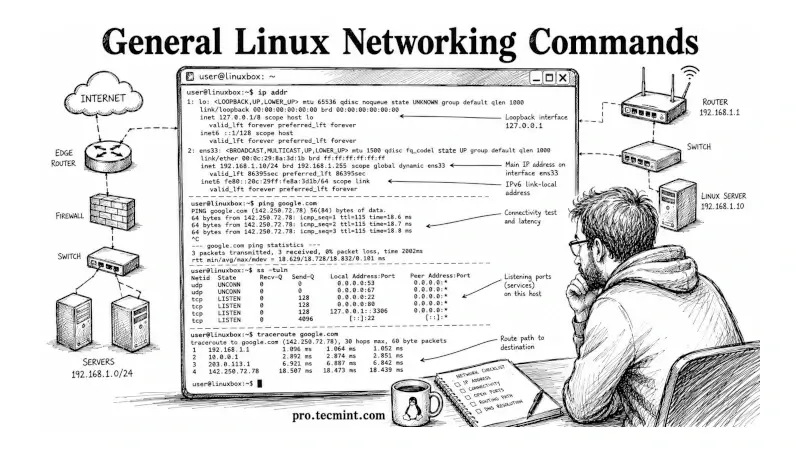
In Chapter 3 of the LFCA Certification Course, you learned how to inspect the system itself: processes, disk usage, memory, logs, and who's logged in, and those commands give you a picture of what the machine is doing locally.
This chapter extends that picture outward, covering the networking commands you'll use to check how the system connects to the outside world, inspecting network interfaces, testing connectivity, resolving hostnames, viewing open ports, and tracing the path a packet takes across a network.
These commands map to both the Linux Fundamentals domain (16%) and the System Administration Fundamentals domain (30%) of the LFCA exam, and they're the commands you'll reach for every time a service isn't reachable, a DNS lookup fails, or you need to confirm what your server is actually listening on.
Every command in this chapter was tested on Ubuntu 26.04 LTS, but they work on any modern Linux distribution, including Debian, Fedora, Rocky Linux, and RHEL.