Chapter 25: Write Incident Postmortems with Claude Code
In this chapter, you'll learn how to use Claude Code to reconstruct an incident timeline from logs, produce a structured postmortem draft, and turn a painful writing task into a 10-minute process.
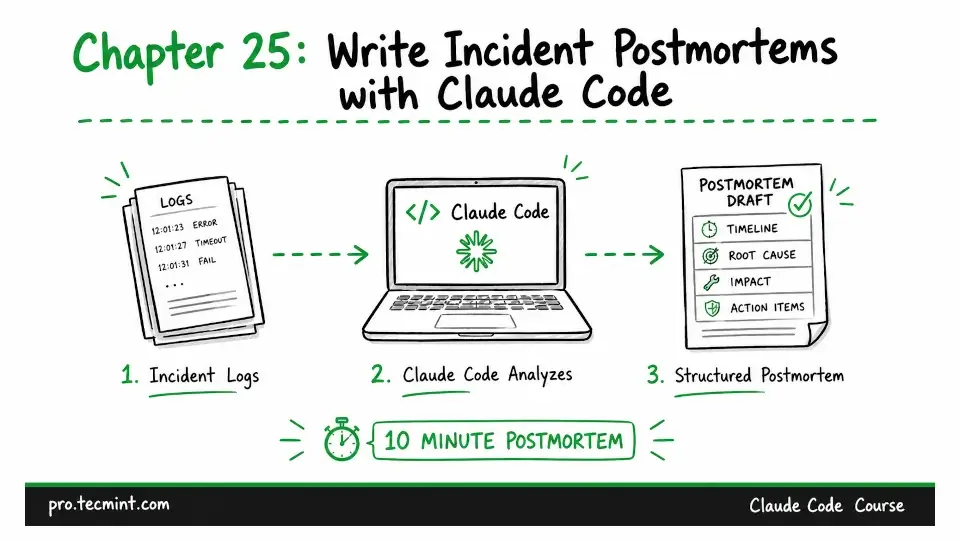
In the previous chapter, we covered the rules of engagement for using Claude Code during a live incident. Now that the incident has been resolved, it's time to focus on what comes next: writing the postmortem.
Writing a postmortem is an important part of incident response, but it is often the most difficult task to complete.
Once the incident is over, the team is tired, attention has shifted back to normal operations, and someone must reconstruct the sequence of events from memory, scattered Slack conversations, and incomplete notes while also answering questions about service stability.
As a result, the postmortem is frequently written several days later, with an incomplete timeline and only a partial understanding of the root cause.
Claude Code makes this process much easier. Instead of relying on memory, it can reconstruct an accurate timeline directly from the logs.
While the incident is still fresh, it can also draft the postmortem document, giving you a solid first version almost immediately.
The entire process, from analyzing raw logs to producing a complete postmortem draft, takes about 10 minutes instead of the 2 hours it typically requires.