Chapter 5: Reading Linux Config Files
In this chapter, you'll learn how to use Claude Code to read and explain a real Linux config file, ask follow-up questions, and verify what Claude tells you.
In the previous chapter, we covered how sessions work, what Claude Code can see, and how the permission model keeps you in control. That was also the final conceptual chapter of Module 1.
In Module 2, we’ll start doing real work, and this first chapter gives you the clearest introduction to how Claude Code actually works in practice.
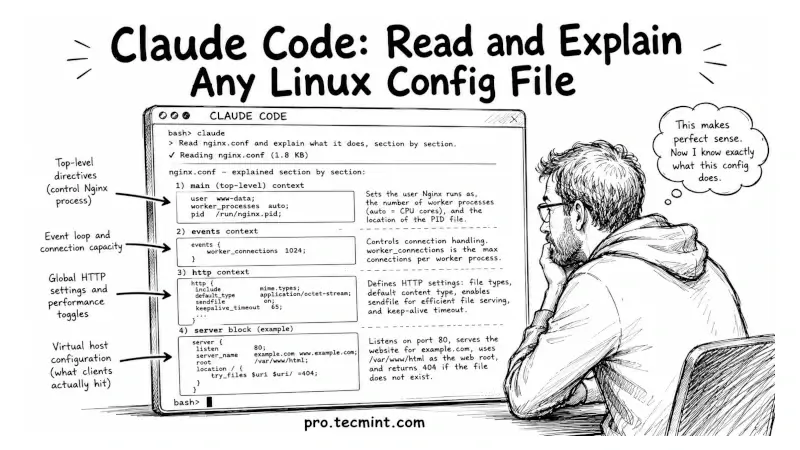
We’re going to point Claude at a real Nginx config file, ask it to explain what the file does, and then dig deeper with follow-up questions about specific sections.
By the end, you’ll understand how the read-only workflow feels, how to ask questions that produce useful answers, and how to verify that Claude’s explanation actually matches the config file.
We’ll begin by checking whether Nginx is installed. If it isn’t, you can install it and then point Claude at the Nginx configuration file.
The same approach also works with other config files on your system, such as sshd_config, httpd.conf, or my.cnf, but Nginx gives us a practical example that’s easy to follow.