Chapter 7: How to Configure Linux PAM for Password Rules and SSH Access Control
In this chapter, you'll learn how PAM stacks work on Ubuntu and Rocky Linux, how to enforce password rules with pam_pwquality, and how to restrict SSH logins to your team with pam_access.
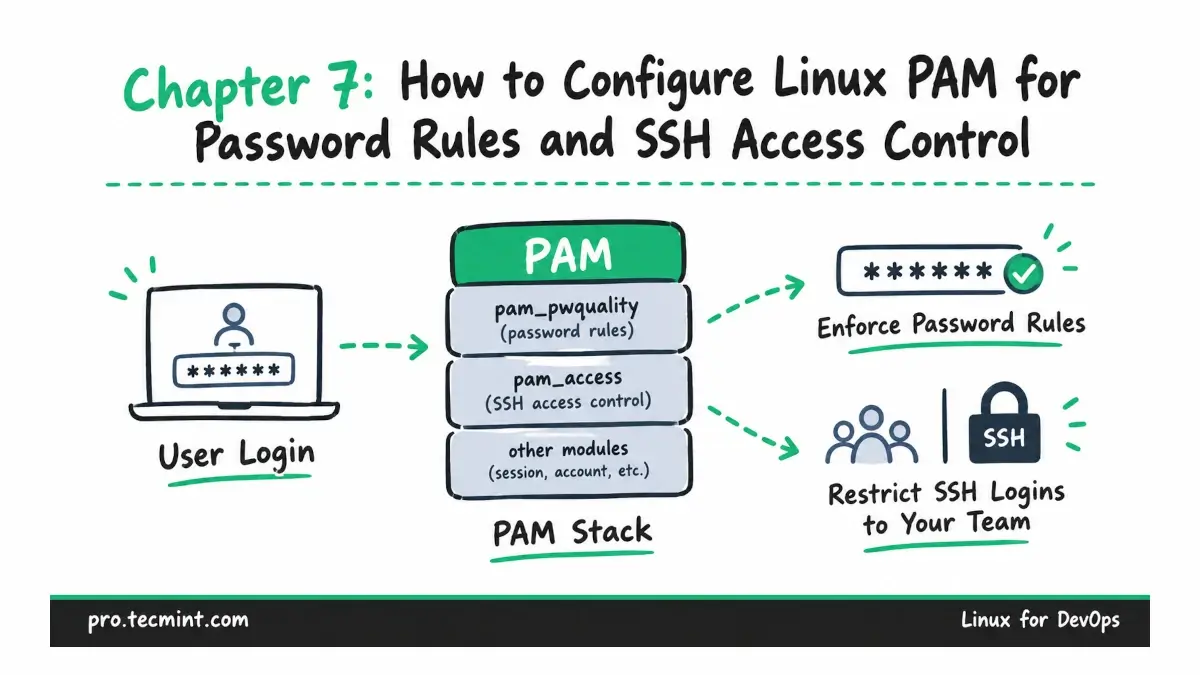
Every time you log in to a Linux server, run a command with sudo, or change a password, the application usually relies on PAM to decide whether that action should be allowed.
PAM, short for Pluggable Authentication Modules, provides a common authentication framework that programs such as sshd, sudo, su, and passwd can use instead of implementing their own authentication rules.
In this chapter, we will look at how PAM works on Ubuntu and Rocky Linux, how to read PAM configuration files, and how the main PAM stacks control authentication, account access, password changes, and user sessions.
We will also use pam_pwquality to enforce password rules and pam_access to restrict SSH access to approved groups.
Along the way, we will see why an SSH key login can still fail when a user's password has expired and how to make PAM changes without accidentally locking yourself out of the server.
What You'll Learn
By the end of this chapter, you will be able to:
- Explain how programs such as
sshdandsudopass authentication requests to PAM and what theauth,account,password, andsessionstacks are responsible for. - Read a PAM configuration file, understand its control flags, and identify which PAM files are managed by
pam-auth-updateon Ubuntu andauthselecton Rocky Linux. - Understand why an SSH key login from Chapter 6 can still be affected by an expired password.
- Enforce password length and complexity requirements for user accounts with
pam_pwquality. - Restrict SSH logins to approved groups with
pam_access. - Modify PAM configuration carefully while reducing the risk of locking yourself out of the server.