Chapter 2: Build the Course Lab with KVM on Ubuntu and Rocky Linux
In this chapter, you'll learn how to build a KVM lab with Ubuntu 26.04 and Rocky Linux 10 servers, reserve fixed IP addresses, set up SSH key access, and take clean snapshots with virsh.
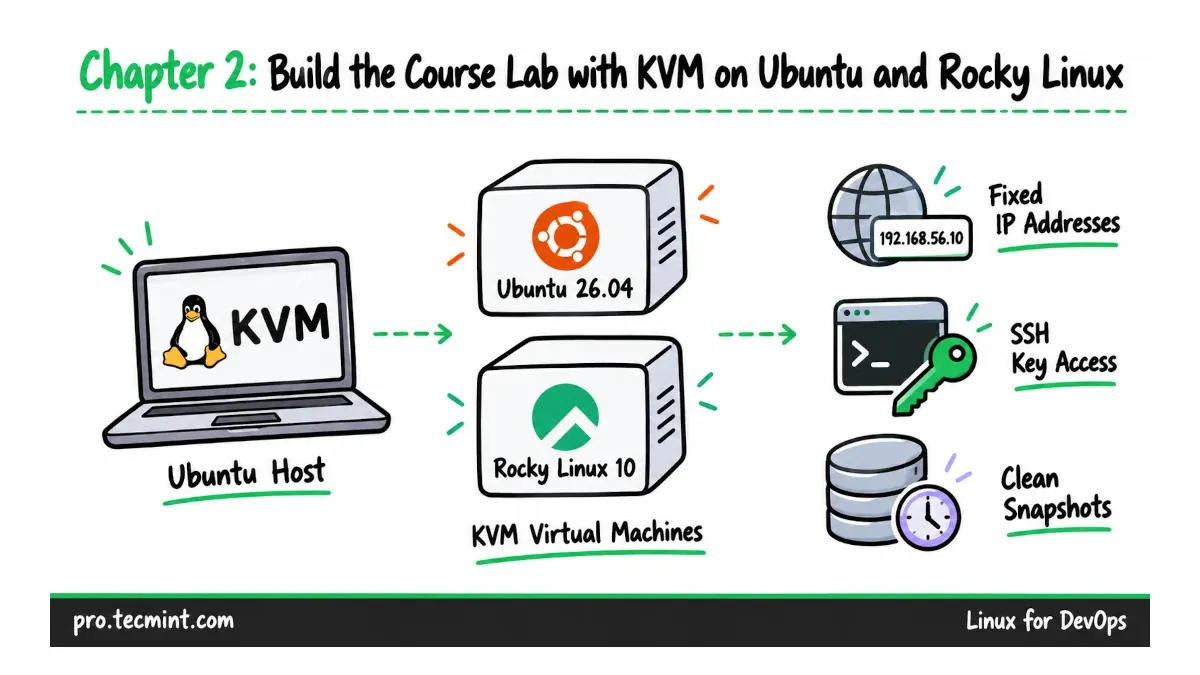
From this chapter onward, we need real Linux servers that we can configure, break, troubleshoot, and repair without worrying about breaking an important system.
What You'll Learn
In this chapter, you will learn how to:
- Install KVM and
libvirton your admin machine and verify that hardware virtualization is working. - Reserve fixed IP addresses for the lab servers on the default
libvirtnetwork. - Create Ubuntu 26.04 LTS and Rocky Linux 10 virtual machines with
virt-install. - Configure hostname resolution and SSH key access for easier administration.
- Create a clean snapshot of each virtual machine so you can quickly return to a fresh installation if an exercise goes wrong.
How the Course Lab Fits Together
Updated on Oct 7, 2026