Chapter 12: Installing SSH Public Keys on Remote Servers
In Chapter 12, you will learn how to install your public key on a remote server using ssh-copy-id and manual methods.
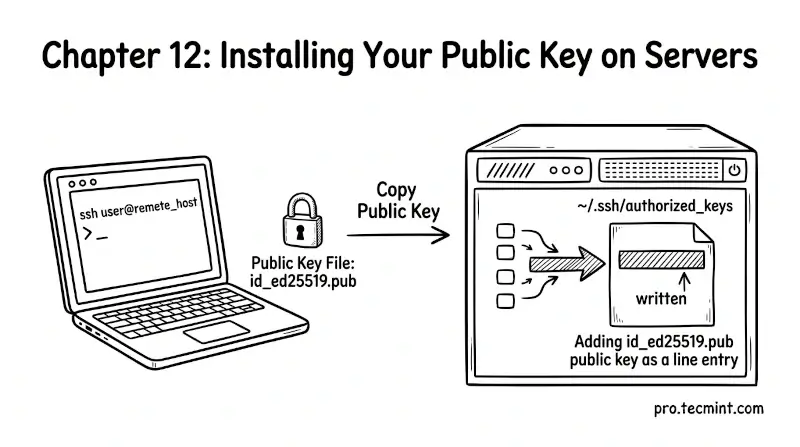
In the previous chapter, you generated your SSH key pair using ssh-keygen. You now have a private key safely stored on your local machine and a public key ready to be deployed.
But having a key pair on your machine is only half the job, because the server needs to know about your public key before it can authenticate you.
In this chapter, you will learn how to install your public key on a remote server, how to verify it is set up correctly, and how to test that key-based login works.
Once this is done, you will never need to type a password to access that server again.
100+ Essential Linux Commands for Beginners (With Examples)
This course covers 100+ essential Linux commands that every Linux user, system administrator, and DevOps engineer should know.
 Ravi Saive
How Your Server Identifies Your SSH Key
Updated on Apr 9, 2026