Chapter 3: The 10 Linux Commands You'll Run 100 Times a Day
In this chapter, you'll learn the 10 Linux commands DevOps engineers run every day, including systemctl, journalctl, ss, ip, curl, ps, free, df, du, and grep, to diagnose a server fast.
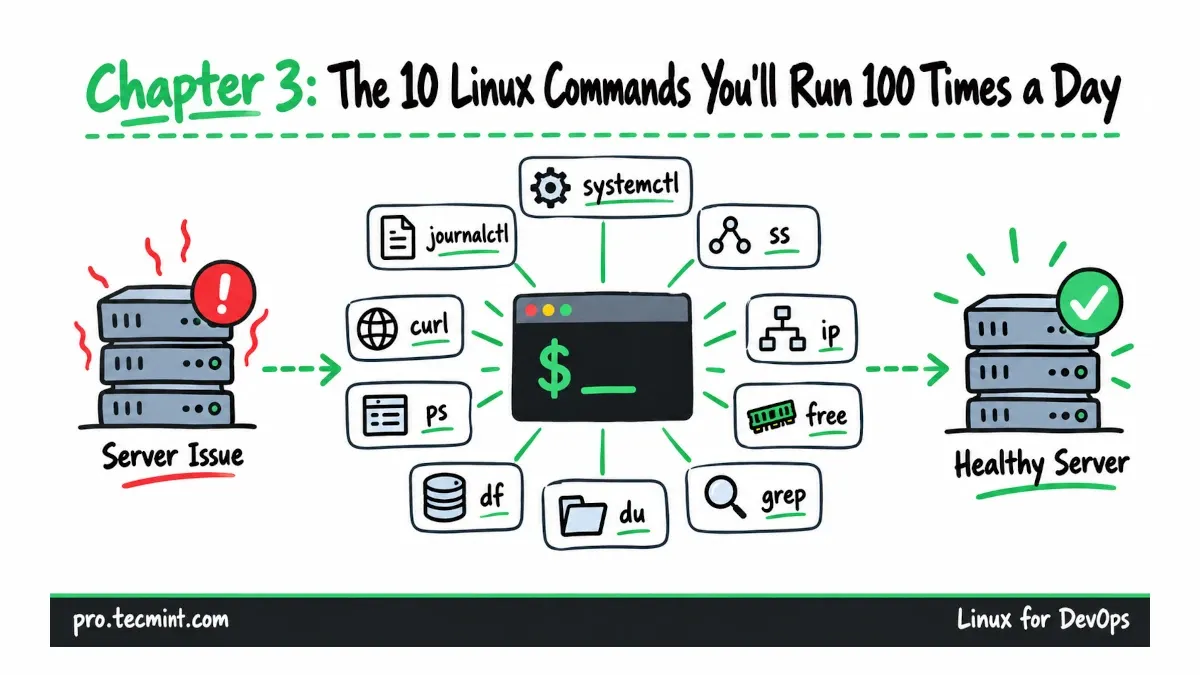
When a Linux service stops working as expected, troubleshooting usually comes down to the same small group of commands.
You check whether the service is running, look through its logs, confirm that it is listening on the correct port, test the network, and then check whether CPU, memory, or disk usage is causing the problem.
In this chapter, we'll work through ten commands you will use again and again when managing Linux servers: systemctl, journalctl, ss, ip, curl, ps, free, df, du, and grep.
What You'll Learn
- Check whether a service is running and review its recent logs with
systemctlandjournalctl. - See which ports a server is listening on and which connections are active with
ss. - Check network configuration and test outbound connectivity with
ipandcurl. - Find processes using CPU and memory, and check system memory with
psandfree. - Check filesystem usage and find directories consuming disk space with
dfanddu. - Search configuration files and logs quickly with
grep.
Where We Left Off
In Chapter 2, we built the ubuntu1 and rocky1 lab servers, assigned each one a fixed IP address, and configured SSH key authentication from the admin machine.
Now we'll go one step further.
A health snapshot can tell you that something does not look right, but the commands in this chapter help you find out what is wrong and why it is happening.
We'll follow the same basic troubleshooting path you would normally use on a real Linux server: start with the service itself, move on to the network, check system resources, and finally inspect configuration files or logs when you need more detail.