Chapter 17: Restrict SSH Access Using AllowUsers, DenyUsers, and AllowGroups
In Chapter 17, you will learn how to restrict SSH access using AllowUsers, DenyUsers, and AllowGroups to allow only the right users and reduce security risks.
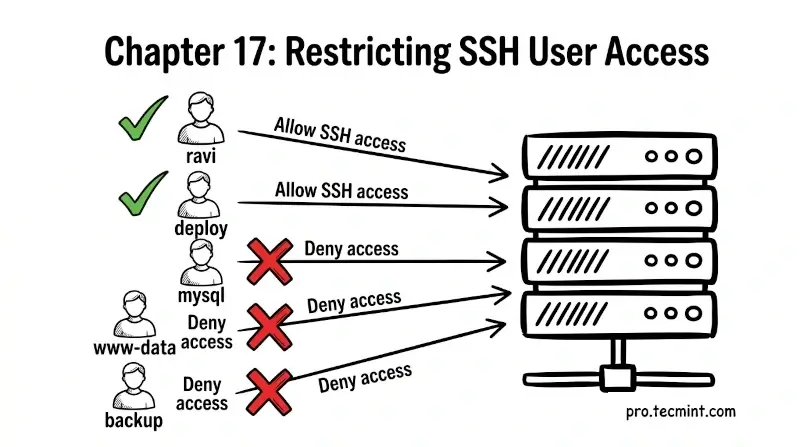
In the previous chapter, you made three important security improvements: you turned off password login, blocked root access, and changed SSH from the default port 22.
But there’s still one problem. Right now, any user account on your server can try to log in through SSH.
If your server has multiple users, like developers, app accounts, or backup users, this creates more risk than necessary.
A better approach is to follow the “least privilege” rule, which means users should only get access to what they actually need, and that includes SSH access, too. Not every user should be allowed to log in.
In this chapter, you will learn how to use settings like AllowUsers, DenyUsers, AllowGroups, and DenyGroups to allow only specific users or groups and block the rest, which helps you create a more secure and controlled access system.
 Ravi Saive