Chapter 4: How Claude Code Works
In this chapter, you'll learn how Claude Code works during a session, what files it can access, how permissions control edits and commands, and how to safely limit what it can do.
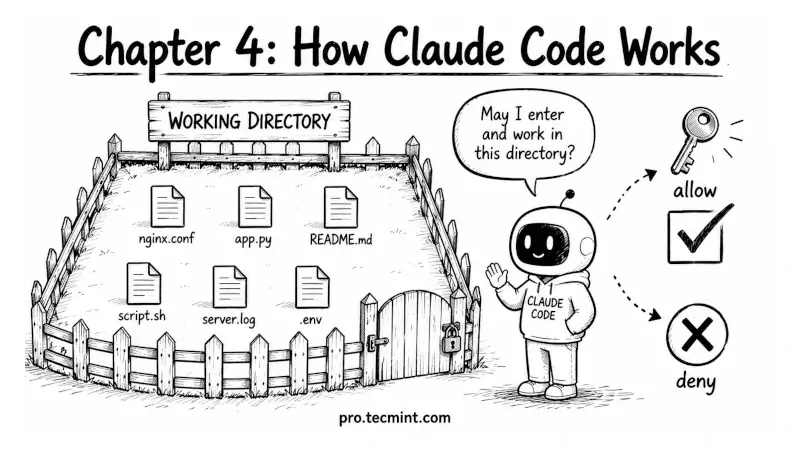
In the previous chapter, we got Claude Code authenticated and ran our first interactive session, where our login works, the credentials are stored, and the CLI responds when you type.
Now it's time to understand what's actually happening underneath, because the next few modules assume you know how a session behaves, what Claude Code can see in your project, and how the permission model keeps you in control of what runs on your system.
This chapter is conceptual rather than command-heavy, but it's the most important chapter in the early part of the course.
A reader who skips this will end up confused later when Claude Code asks for permission they didn't expect, or refuses to read a file they think they should be able to see.
By the end, you'll understand how everything works together and why these design choices are useful for system administrators.