Chapter 22: Connect Claude Code to Internal Documentation with MCP
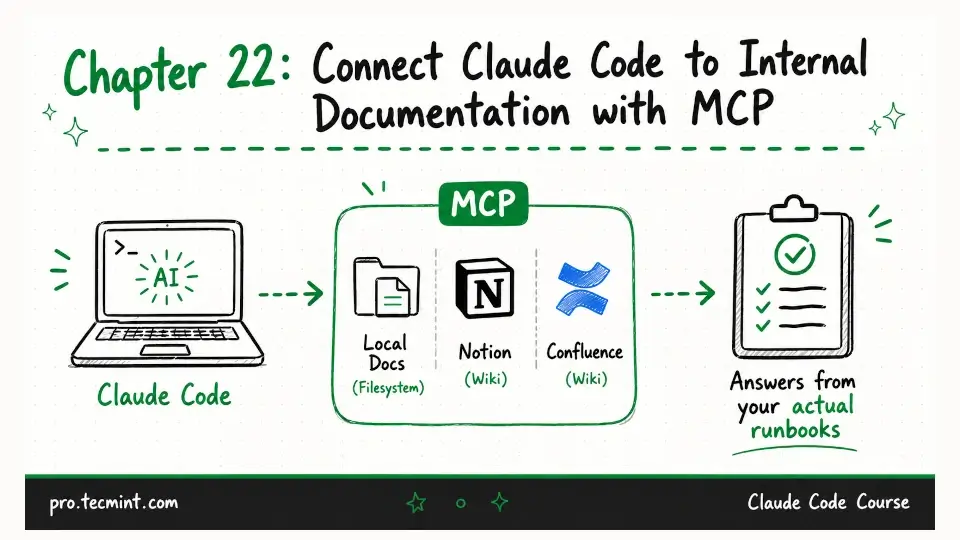
In this chapter, you'll connect Claude Code to your team's internal documentation so it can answer questions grounded in your actual runbooks, not general knowledge.
In the previous chapter, you connected Claude Code to GitHub and used it for pull request reviews, issue triage, and incident correlation.
In this chapter, you'll connect Claude Code to your team's internal documentation.
Claude already knows general Linux concepts, Nginx documentation, and information from thousands of public resources. However, it doesn't know your team's runbooks, server naming conventions, incident escalation procedures, or how your deployment pipeline works.
Without access to your internal documentation, Claude has to make its best guess, and sometimes those guesses are correct, but they can also be slightly wrong in ways that only become obvious when someone follows the advice and something goes wrong.
By connecting Claude Code to your internal documentation through MCP, Claude can answer questions using your team's actual documentation instead of relying only on its training data.
For example, if you ask, "What's our runbook for a disk space incident?", Claude can read the runbook your team maintains and provide an answer based on that document instead of giving a generic response.
In this chapter, you'll learn three different ways to connect Claude Code to your documentation:
- The filesystem MCP server for teams that store documentation as Markdown files.
- The Notion MCP server for teams that use Notion as their internal wiki.
- The Confluence MCP server for organizations that use Atlassian Confluence.
Choose the approach that matches where your team's documentation is stored.