Lesson 22: zcat Command
In this lesson, you'll learn how to use the zcat command to view the contents of compressed files without uncompressing them in Linux.
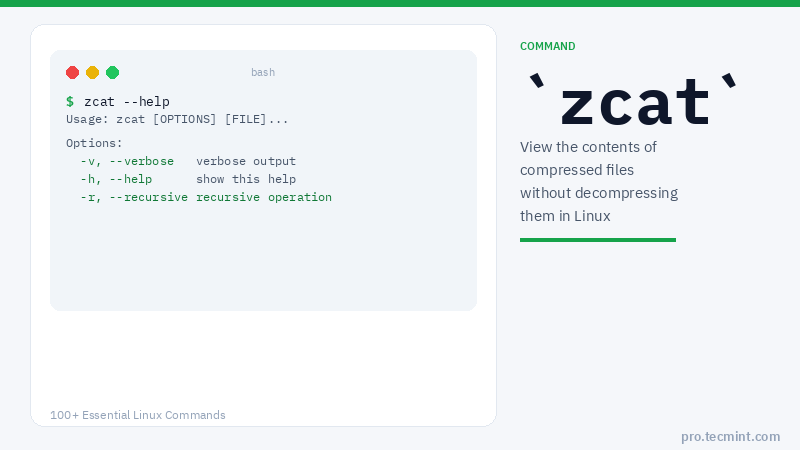
zcat is a command-line utility for viewing the contents of a compressed file without literally uncompressing it. It expands a compressed file to standard output, allowing you to have a look at its contents. In addition, zcat is identical to running the gunzip -c command.
Let's discuss some examples of the zcat command.
zcat Command Syntax
zcat [OPTIONS] FILE.gz
zcat Command Options
| Option | Description |
|---|---|
-f |
View the contents of a normal uncompressed file |
-l |
Display properties of a compressed file (compressed size, uncompressed size, ratio, name) |
-q |
Suppress all warnings |
1. View Contents of a Compressed File
The first example shows how to view the contents of a normal file using the cat command, compress it using the gzip command, and then view the contents of the zipped file using zcat as shown.
$ cat users.list
root
tecmint
john
jane
$ gzip users.list
$ zcat users.list.gz
root
tecmint
john
jane
2. View Contents of Multiple Compressed Files
To view multiple compressed files, use the following command with filenames as shown.
$ zcat users.list.gz apps.list.gz
root
tecmint
john
jane
nginx
apache
mysql
php