Lesson 35: xargs Command
In this lesson, you'll learn how to use the xargs command to build and execute commands from standard input in Linux.
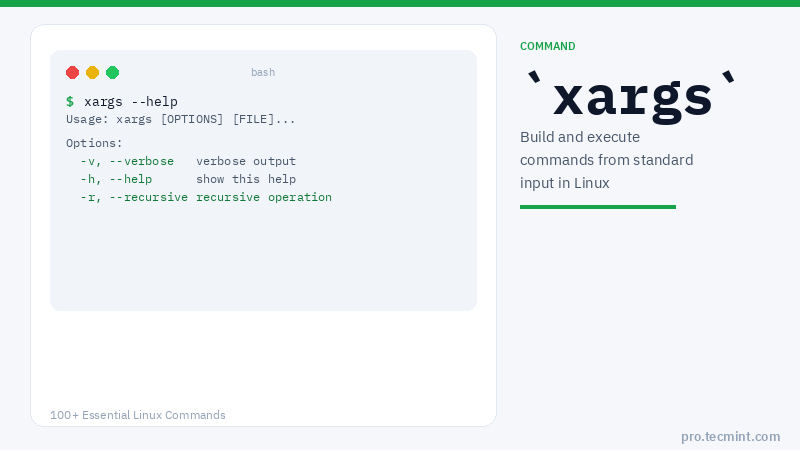
xargs is a great command that reads streams of data from standard input, then generates and executes command lines, meaning it can take the output of a command and pass it as an argument to another command.
If no command is specified, xargs executes echo by default. You may also instruct it to read data from a file instead of stdin.
There are several ways in which xargs is useful in daily usage of the command line. Let's discuss some practical xargs command examples.
xargs Command Syntax
$ xargs [OPTIONS] [COMMAND]
xargs Command Options
| Option | Description |
|---|---|
-0 |
Use null character as the delimiter (pair with find -print0) |
-n N |
Use at most N arguments per command line |
-I REPLACE |
Replace occurrences of REPLACE with the input line |
-a FILE |
Read items from a file instead of standard input |
-t |
Print each command to stderr before executing it |
-p |
Prompt the user before executing each command |
-d DELIM |
Use DELIM as the input item delimiter |
-v |
Verbose output |
1. Archive .png Images Using find and xargs
The first example shows how to find all the .png images and archive them using the tar utility as follows.
Here, the action command -print0 enables printing of the full file path on the standard output, followed by a null character, and the -0 xargs flag effectively deals with spaces in filenames.
$ find Pictures/tecmint/ -name "*.png" -type f -print0 | xargs -0 tar -cvzf images.tar.gz
Pictures/tecmint/logo.png
Pictures/tecmint/banner.png
Pictures/tecmint/thumbnail.png