Chapter 5: Understanding the Ubuntu GNOME Desktop
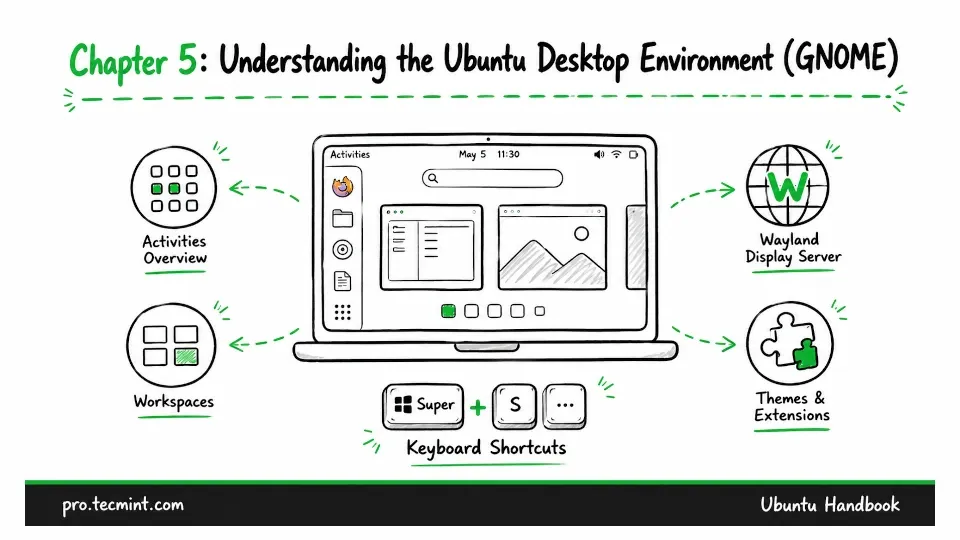
In this chapter, you'll learn the GNOME 50 desktop in Ubuntu 26.04 LTS, including the Activities overview, workspaces, Wayland, themes, extensions, and the keyboard shortcuts that speed everything up.
In Chapter 4, you created a bootable USB drive, installed Ubuntu, chose your encryption settings, installed any required drivers, and reached your new desktop.
Now that Ubuntu is installed, it's time to get comfortable with the desktop environment itself. Ubuntu uses GNOME (GNU Network Object Model Environment), which is one of the most popular and polished desktop environments in the Linux world.
GNOME is designed with simplicity and productivity in mind. It features a clean, modern interface that gets out of your way when you're working and provides powerful tools when you need them.
In this chapter, you'll learn how to make the most of the desktop. By the end, you'll be able to move around GNOME with much less mouse usage, organize your work using workspaces, and customize the desktop to match the way you like to work.
Here's what we'll cover:
- The desktop layout, including the top bar, dock, and what's new in GNOME 50.
- The Activities overview and search, which let you find and launch almost anything without digging through menus.
- Workspaces and how to use them to keep your daily tasks organized.
- Themes, extensions, fonts, display settings, and the keyboard shortcuts you'll use most often.