Chapter 4: Installing Ubuntu and Getting Started
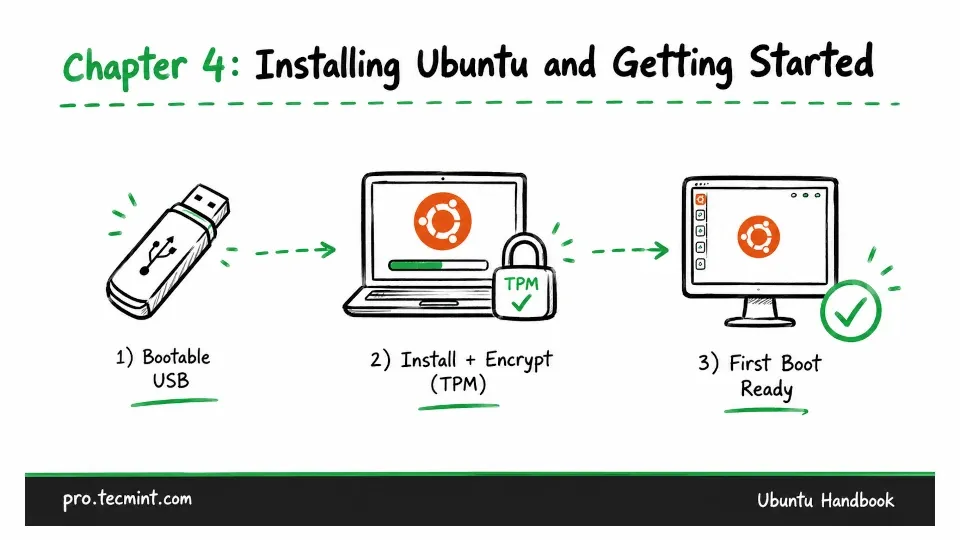
In this chapter, you'll install Ubuntu 26.04 LTS from scratch, create a bootable USB, work through disk setup and TPM-backed encryption, install drivers, and finish your first-boot configuration.
In the last chapter, we explored why open-source software is so powerful and why Ubuntu stands out as one of the top Linux distributions.
We learned about Ubuntu’s origins, its versioning and release cadence, and the value of open source and its key benefits, like freedom (you’re in control), flexibility (you can customize it), security (your system stays safe), and the supportive Ubuntu community, which make it an excellent choice.
Now it’s time to take what you’ve learned and put it into practice by installing Ubuntu 26.04 LTS and setting up your system for everyday use.
In this chapter, we’ll guide you through every process from preparing your hardware to installing, exploring the desktop, and managing your software.
Here’s what we’ll cover:
- Choosing the right edition and installation method for your situation.
- Downloading the ISO, verifying it, and writing it to a USB drive.
- Working through the installer, including disk setup and encryption.
- First boot, driver installation, and basic desktop customization.
Whether you’re completely new to Linux or switching from another OS, this chapter will give you a smooth and easy introduction to Ubuntu.