Chapter 15: Secure SSH and Transfer Files in Linux
In this chapter, you’ll create SSH key pairs, set up passwordless login, secure your SSH configuration, and transfer files using sftp, scp, and rsync.
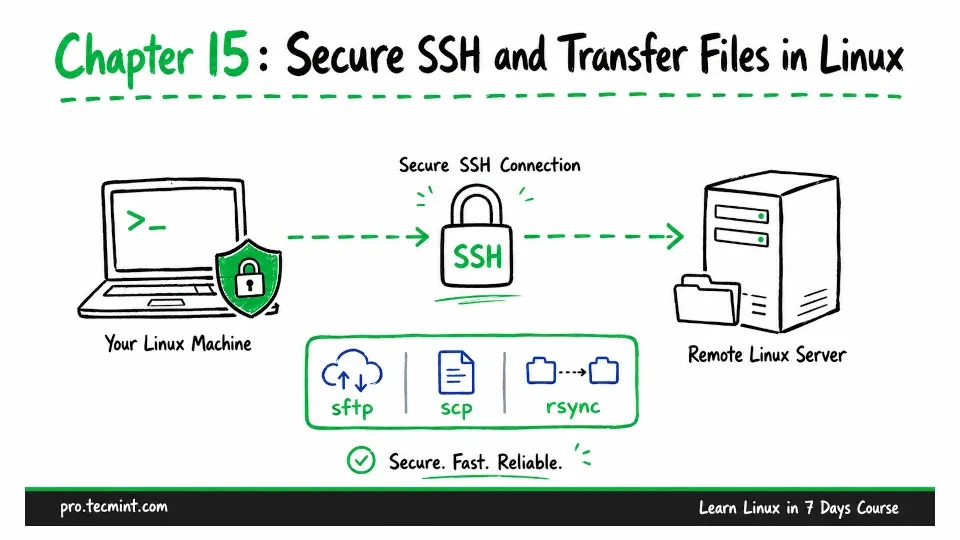
In Chapter 14, you confirmed that your virtual machine is reachable from your host machine. You also configured the firewall to allow SSH traffic on port 22 and HTTP traffic on port 80.
Now it is time to use that SSH access.
In this chapter, you will connect to the virtual machine from your host without entering your account password every time.
You will also secure the SSH server, making it much more difficult for unauthorized users to gain access.
Before changing anything, take a snapshot of your virtual machine, because you will be editing sshd_config, the main configuration file for the SSH server.
A mistake in this file could prevent you from connecting through SSH. If that happens, a snapshot allows you to recover quickly instead of reinstalling the entire virtual machine.
First, shut down the VM:
sudo systemctl poweroff
After the machine has powered off, take a snapshot in VirtualBox. Then start the VM again and log back in.