Chapter 14: Network Troubleshooting: DNS, Ports, UFW & firewalld
In this chapter, you'll learn how to troubleshoot network problems step by step, test DNS, check ports, and configure UFW and firewall-cmd.
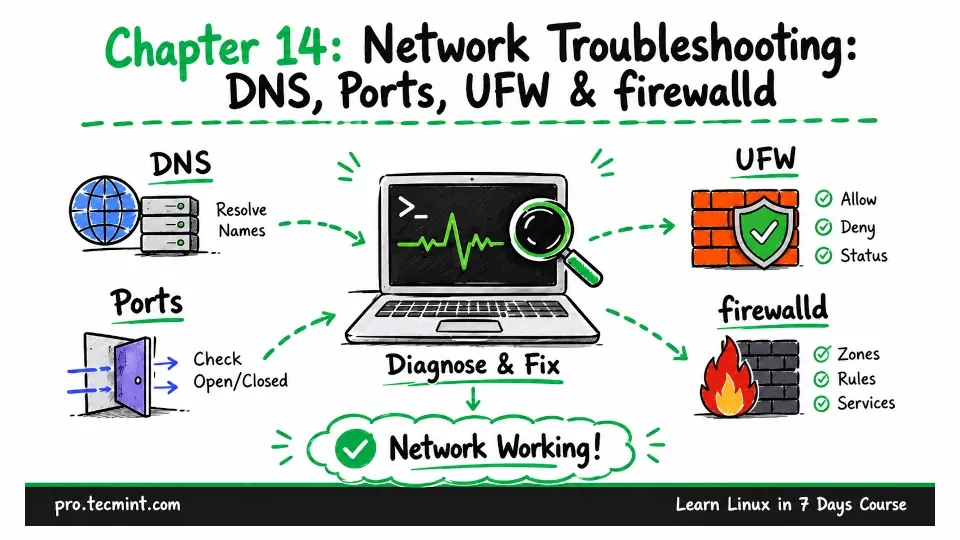
In Chapter 13, you learned how to check your Linux network configuration, including interfaces, IP addresses, routes, and the ports your system is listening on.
That information tells you how the network should be working.
That information shows you how the network should work. In this chapter, you will learn how to check whether it is actually working.
Before we begin, take a snapshot of your virtual machine. We will be changing firewall settings in this chapter, and a wrong firewall rule could block your SSH connection or even lock you out of the machine.
First, shut down the system:
sudo systemctl poweroffOnce the machine is powered off, take a snapshot in VirtualBox. Then start the machine again and log back in.