Chapter 13: Linux Networking Fundamentals
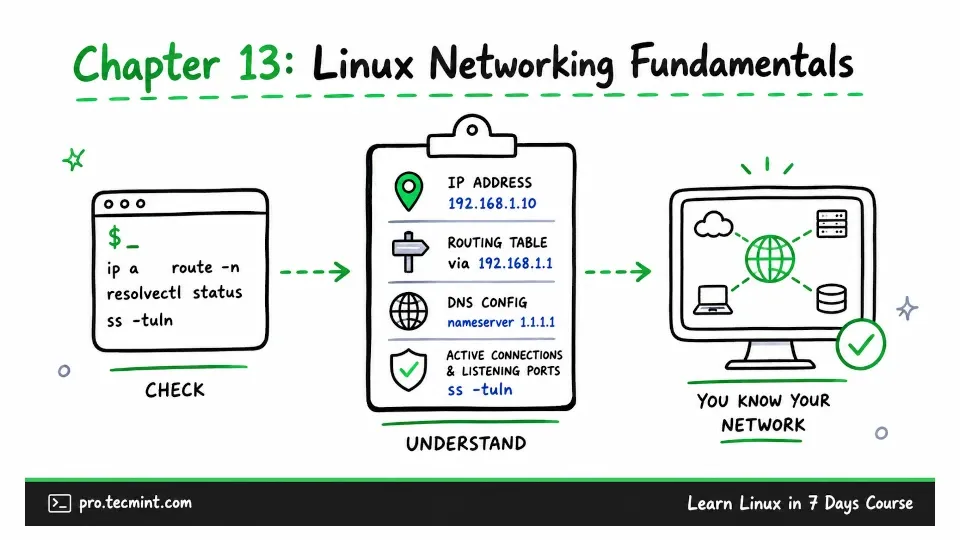
In this chapter, you'll read IP addresses, routing tables, and DNS configuration, check active connections, and identify what your system is listening on.
Welcome to Day 5.
In Chapter 12, you started nginx, deliberately broke it, and then used the diagnostic commands you learned to find and fix the problem.
Now it is time to move on to networking and remote administration.
Your Ubuntu system has already been using the network since you installed it in Chapter 2, where it connected automatically and received an IP address in the background.
In this chapter, you will look more closely at that setup and learn how to see what Linux is doing behind the scenes.
This knowledge will prepare you for Chapter 14, where you will troubleshoot network connectivity problems, and Chapter 15, where you will connect to a remote server using SSH.
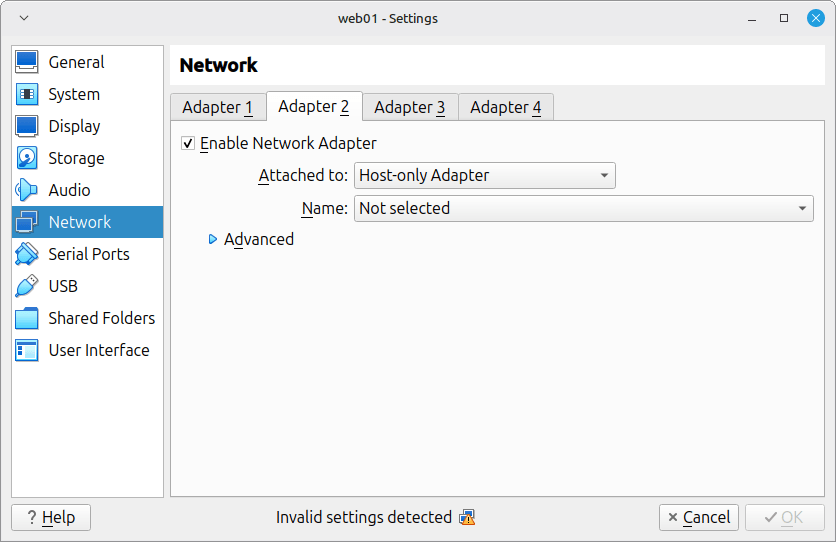
Before you begin, make sure the two network adapters you configured in Chapter 2 are still available.
Open VirtualBox, go to Settings → Network, and confirm that:
- Adapter 1 is set to NAT.
- Adapter 2 is set to Host-only Adapter.
If Adapter 2 is missing, add it before moving forward. You will need it for the exercises in this chapter.