Chapter 12: Managing Services and Logs with systemd
In this chapter, you'll learn how to start, stop, enable, and disable services with systemctl, check logs with journalctl, and troubleshoot a failed service.
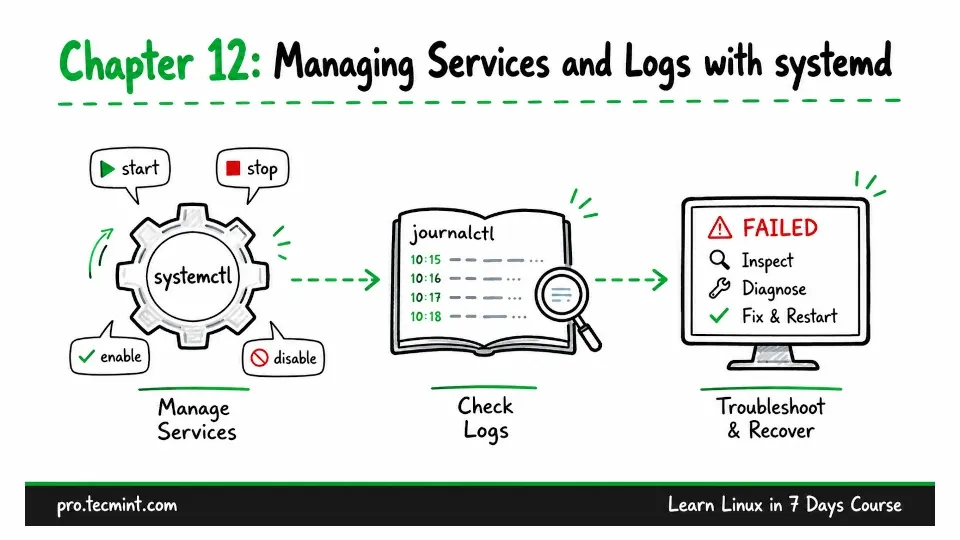
In Chapter 11, you installed nginx and learned how Linux packages work.
But installing a package does not always mean the service is running. The software may be installed on your system, but the service still needs to be started before it can do its job and accept connections.
In this chapter, you will learn how to manage services, make them start automatically after a reboot, check what they are doing, and troubleshoot them when something goes wrong.
Before you begin, take a snapshot of your virtual machine, as explained in Chapter 2, because later in this chapter, you’ll deliberately break a service configuration and practice troubleshooting it.
If anything goes wrong, you can quickly restore the snapshot and try again.
First, shut down the virtual machine:
sudo systemctl poweroffTake the snapshot in VirtualBox, then start the machine again and log back in.