Chapter 11: Installing Software with APT and DNF
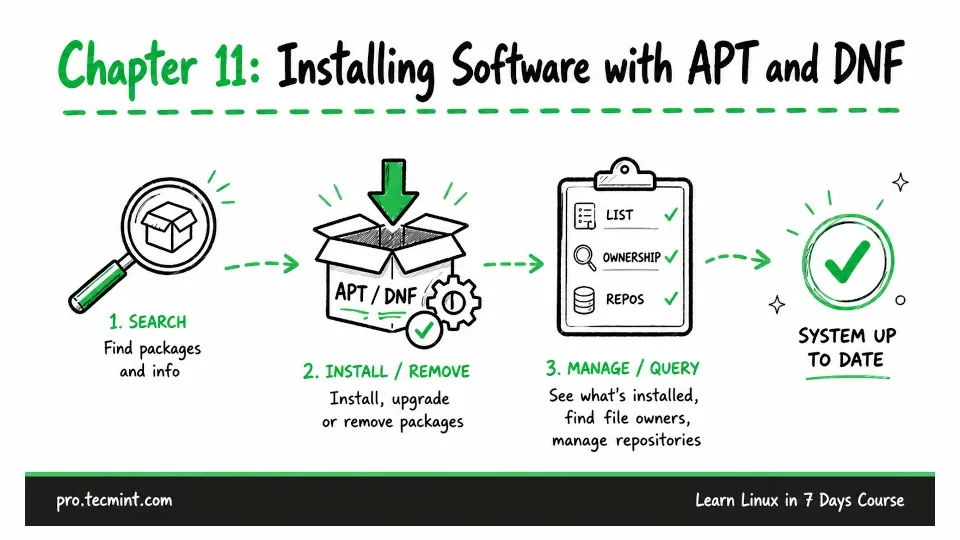
In this chapter, you'll search, install, and remove packages with apt and dnf, query what is installed, find which package owns a file, and manage repos.
In Chapter 10, you learned how to find, monitor, and control processes running on your Linux system.
You have actually been installing software since Chapter 2, when you first ran sudo apt update and sudo apt install htop.
In this chapter, you will learn what those commands were doing behind the scenes.
On Linux, most software is installed as a package, which is a compressed archive that contains the program files, configuration files, documentation, and information about any other packages the software needs to work.
Instead of making you handle all of this yourself, Linux uses a package manager that finds the package, checks its dependencies, downloads everything that is needed, and installs the files in the correct locations.
The package manager also keeps track of what it installs and removes, which helps you keep your Linux system organized and makes it easier to manage software changes.