Chapter 10: Managing Linux Processes and Jobs
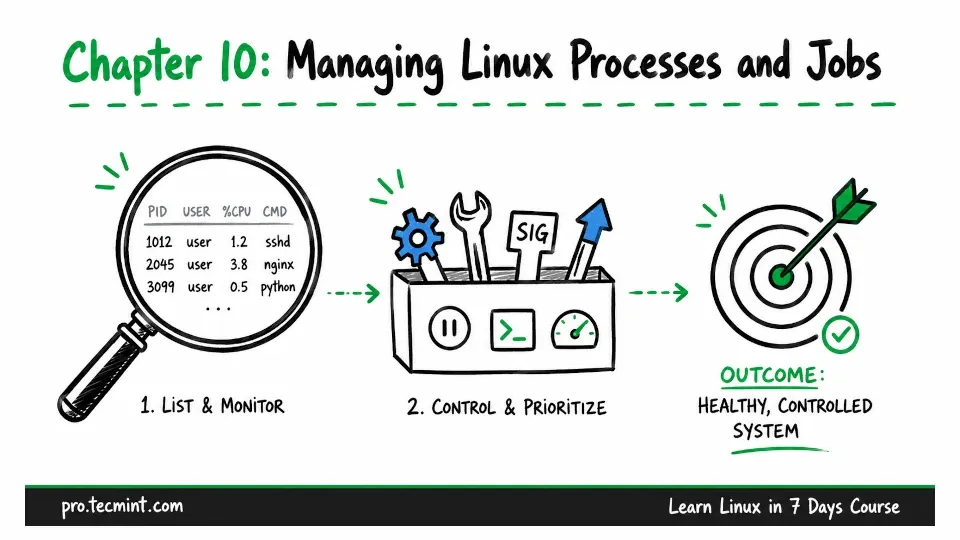
In this chapter, you'll list and monitor processes, send signals, control foreground and background jobs, adjust priorities, and find what is using a port.
Welcome to Day 4.
In Day 3, you learned how to search your Linux system, manage user accounts, and control what each user can access and do.
Now, in Day 4, we will focus on what is currently running on the system.
Every running program in Linux is called a process.
- Your shell is a process.
- A web server runs as a process.
- The SSH service that accepted your connection is also a process.
- Even a monitoring tool that checks disk space every five minutes runs as a process.
When a Linux system feels slow, a command gets stuck, or something starts behaving strangely, checking the running processes is often one of the first things you should do.
That is why process management is such a useful Linux administration skill. You need to know how to see what is running, find a specific process, stop or control it when necessary, and identify any process that may be causing a problem.